How to Convert an AI-Built Website to WordPress Automatically
Learn how to convert any AI-built website from Lovable.dev, Framer, Cursor, or other AI builders into a fully installable WordPress theme using WPConvert.ai.
AI website builders like Lovable.dev, Framer, and Cursor make it incredibly easy to generate beautiful websites. But when it's time to launch, scale, or integrate plugins, most teams end up needing one thing:
WordPress.
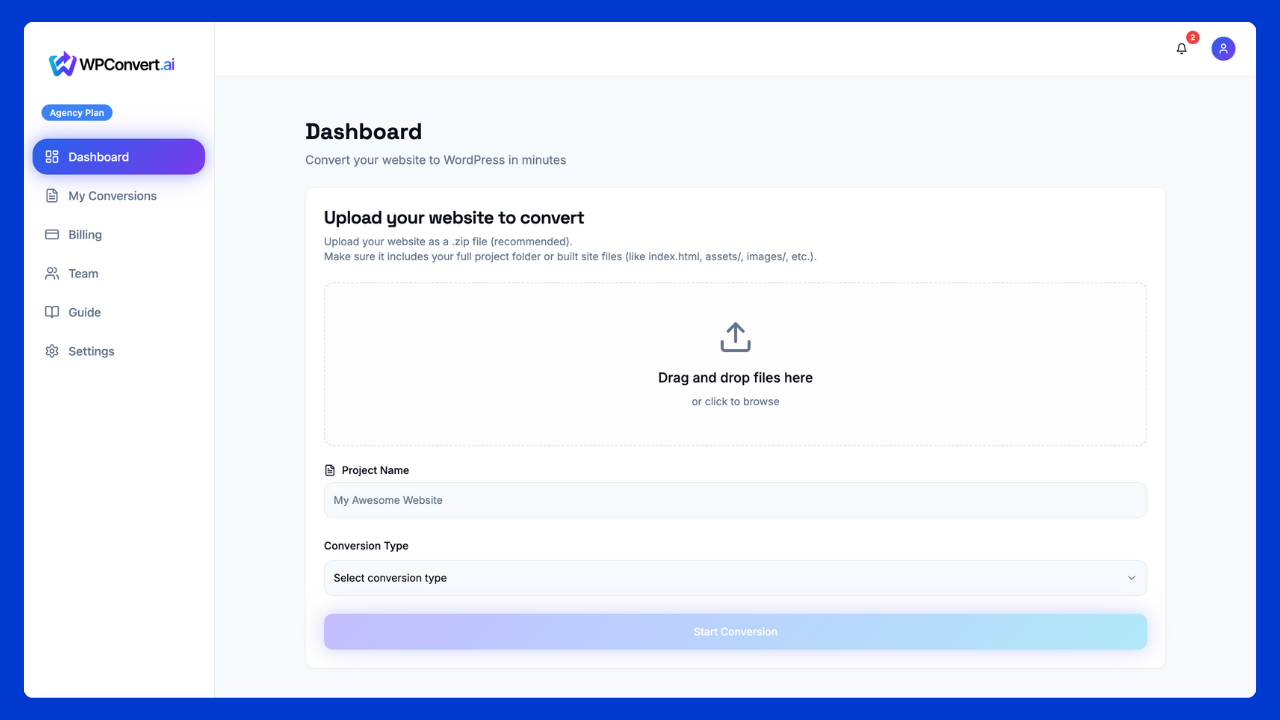
WordPress gives you:
- Full ownership — Complete control over your website
- SEO control — Fine-tune metadata, schema, and indexing
- Plugins — Access to 60,000+ WordPress plugins
- Customization — Unlimited design and functionality options
- Hosting freedom — Host anywhere you want
- Real CMS capabilities — Posts, pages, categories, and more
Why Convert an AI Website to WordPress?
AI builders are amazing for prototyping, but they're not long-term solutions for production websites.
1. Limited SEO Control
AI builders don't provide fine-grain metadata, indexing, or schema control. WordPress gives you complete control over every SEO element.
2. No Plugin Ecosystem
You can't install forms, eCommerce, analytics, automation, or any of the 60,000+ WordPress plugins available.
3. No Real CMS
WordPress gives you posts, categories, tags, custom fields, and a full content management system that your team can use.
What Types of AI Websites Can Be Converted?
Any AI site that exports static HTML/CSS/JS can be converted, including:
- Lovable.dev — Download Code
- Framer — Static Export
- Cursor — Generated static sites
- Bolt.new — HTML exports
- Dorik — HTML exports
- And other AI builders that export static code
How WPConvert.ai Converts AI Sites to WordPress
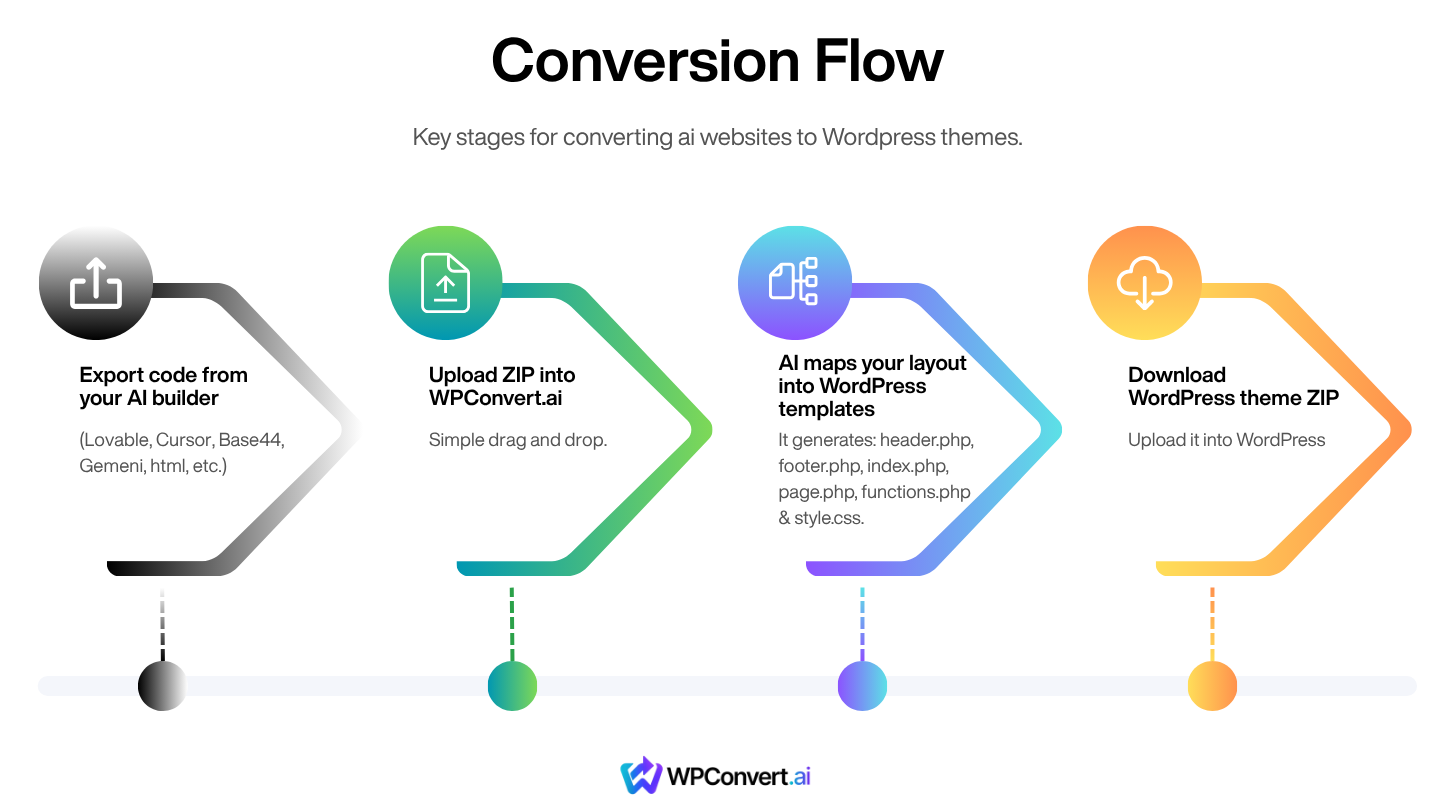
Step 1 — Export code from your AI builder
Export your website as a ZIP file or static HTML. Here's how for popular builders:
- Lovable.dev → Click "Download Code"
- Framer → Use "Static Export" option
- Cursor → Export project as ZIP
Step 2 — Upload ZIP or URL into WPConvert.ai
Simply drag and drop your ZIP file into WPConvert.ai, or paste your website URL. Our AI will analyze your site structure automatically.
Step 3 — AI maps your layout into WordPress templates
WPConvert.ai automatically generates all the necessary WordPress theme files:
header.php— Site headerfooter.php— Site footerindex.php— Main templatepage.php— Page templatefunctions.php— Theme functionsstyle.css— All your styles
Step 4 — Download WordPress theme ZIP
Download your ready-to-install WordPress theme ZIP file, then upload it in WordPress:
Appearance → Themes → Add New → Upload Theme
Converting a Lovable.dev Site
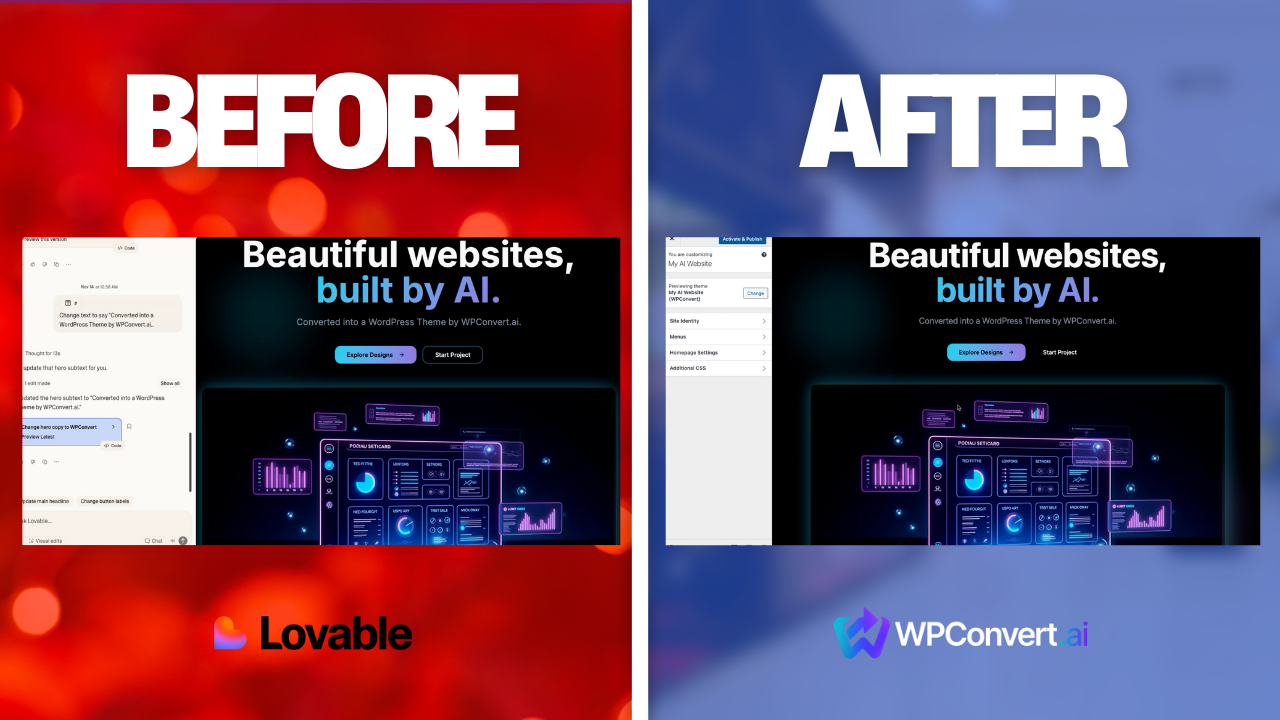
Video Walkthrough
FAQ
Does this work for all AI websites?
Any builder that exports HTML/CSS/JS is fully supported.
Will my design stay the same?
Most designs convert with 90–95% accuracy.
Can I customize the theme afterward?
Yes — it’s a normal WordPress theme.