How to Convert a Cursor Website to WordPress
Learn how to convert websites built with Cursor into fully installable WordPress themes using WPConvert.ai. Upload your project ZIP and get a WordPress theme automatically.
How to Convert a Cursor Website to WordPress (Complete Guide)
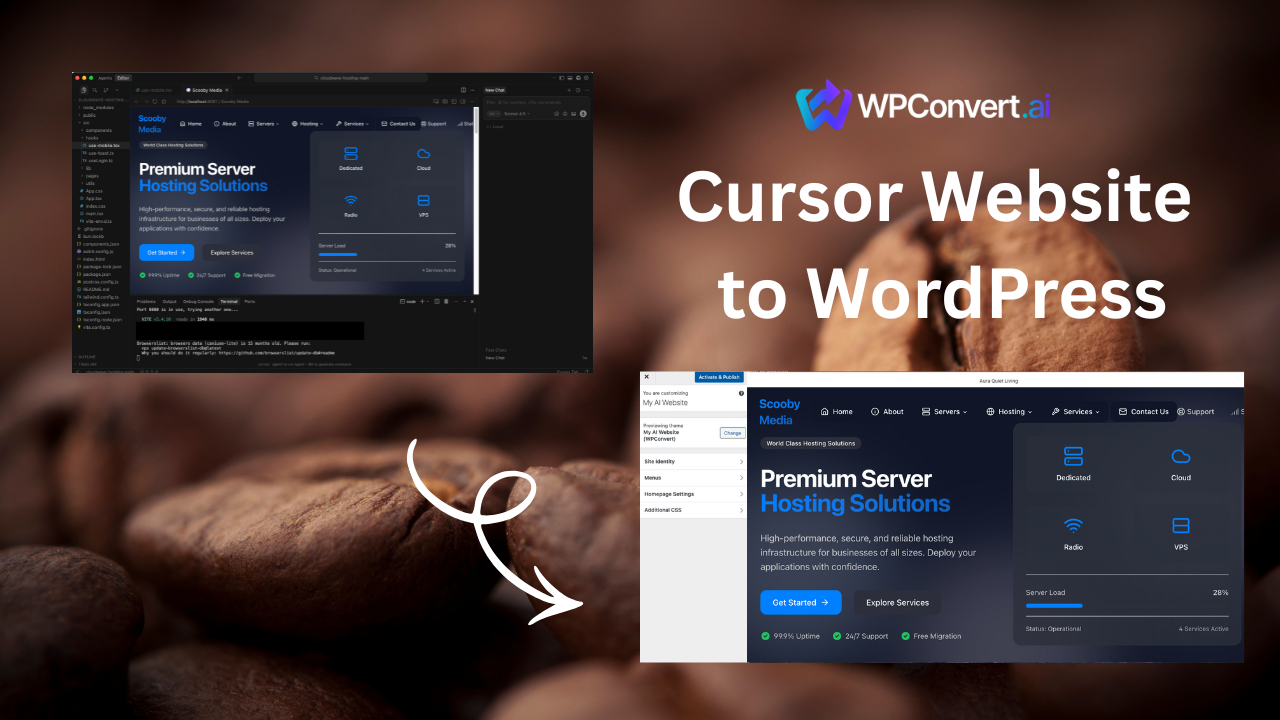
Cursor has quickly become one of the most popular tools for building websites with AI-assisted coding. Many users use Cursor to generate:
- landing pages
- marketing sites
- startup websites
- static frontends
- Vite or React projects
- HTML/CSS/JS layouts
Cursor is excellent for building fast — but when it's time to add plugins, SEO tools, forms, CMS features, or long-term hosting, WordPress is often the next step.
WPConvert.ai makes it possible to convert Cursor-built websites into WordPress themes automatically.
Why Convert a Cursor Website to WordPress?
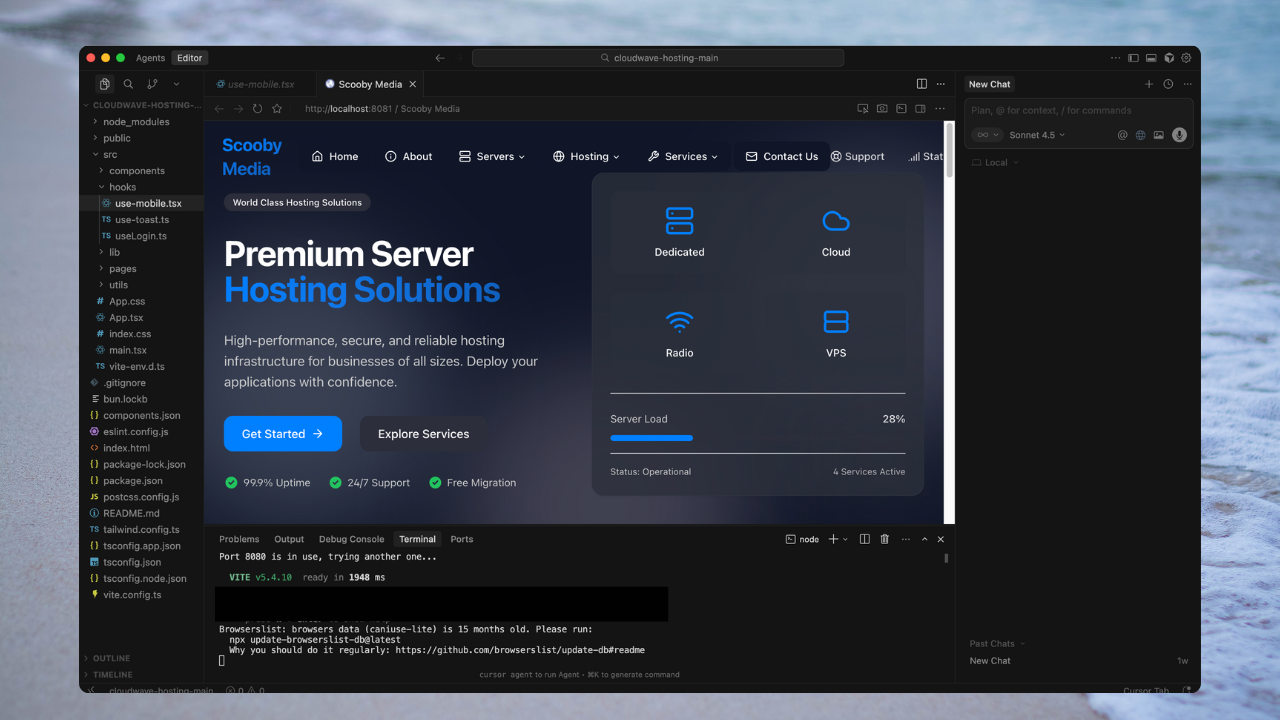
Cursor is great for:
- AI-assisted development
- fast prototyping
- generating frontend code
- iterating quickly
But Cursor-generated sites are usually static or frontend-only, which creates limitations as a project grows.
1. No CMS
Most Cursor sites require editing code to change content.
WordPress gives you:
- pages
- posts
- editors
- roles
- content workflows
2. No Plugin Ecosystem
Cursor sites don't natively support:
- SEO plugins
- form builders
- booking tools
- analytics dashboards
- e-commerce
WordPress gives instant access to all of this.
3. Scaling & Client Delivery
Agencies and freelancers often build sites in Cursor, then need to deliver a WordPress theme to clients.
WPConvert eliminates the manual rebuild.
What Types of Cursor Websites Can Be Converted?
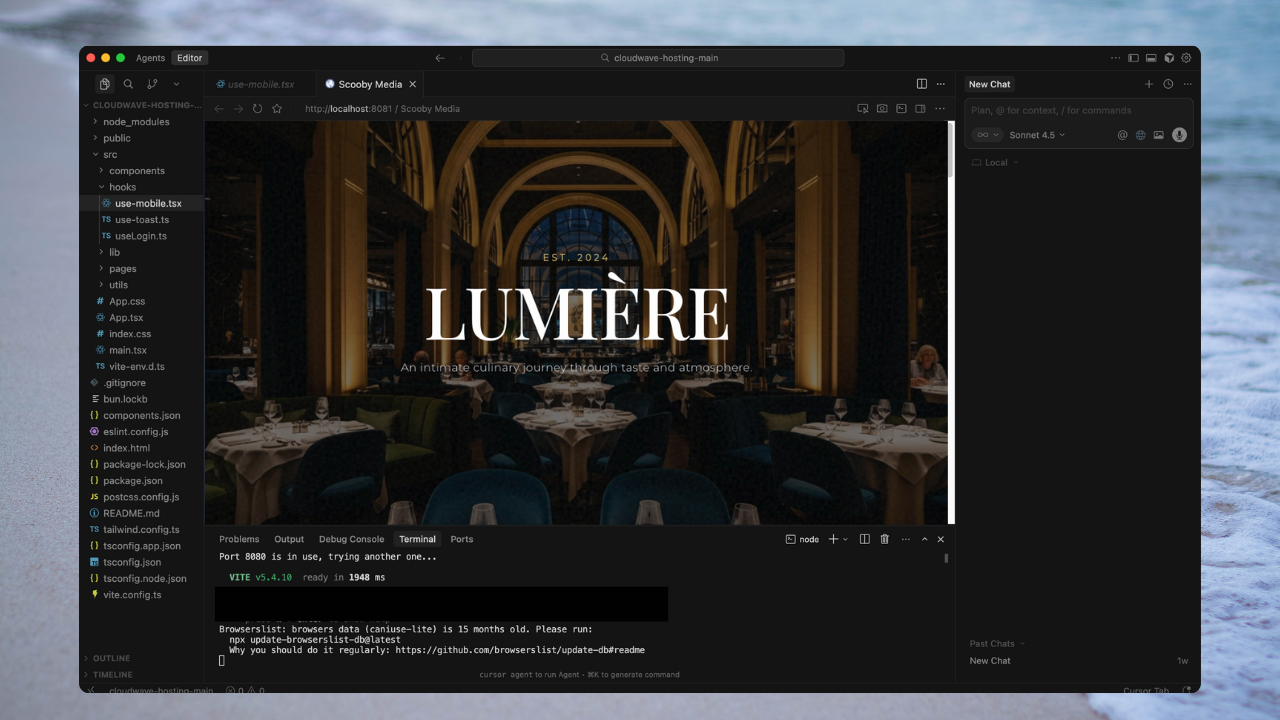
WPConvert supports Cursor projects that result in static or client-side websites, including:
✔ Static HTML / CSS / JS sites
Plain HTML files with external stylesheets and scripts.
✔ Tailwind or Bootstrap frontends
Any CSS framework-based site that exports to static files.
✔ AI-generated landing pages
Sites created with Cursor's AI assistance that compile to static output.
✔ Vite projects
Vite-based React or Vue projects that can be statically rendered.
✔ React frontends that can be statically rendered
Client-side React apps that don't require server-side rendering.
✔ Multi-page static websites
Sites with multiple HTML pages that can be converted into WordPress page templates.
WPConvert automatically detects the project type when you upload your ZIP file.
✘ What Is Not Supported
WPConvert does not convert:
- server-side backends
- Node.js APIs
- databases
- authentication servers
- SSR frameworks that require a running server
If your Cursor project runs fully in the browser, it can be converted.
How to Convert a Cursor Website to WordPress
The conversion process is intentionally simple.
Step 1 — Download Your Cursor Project as a ZIP
From your Cursor workspace:
- Open the project
- Download the project folder as a ZIP
Your ZIP may include files like:
index.html
style.css
script.js
/src
/assets
/package.json
/vite.config.js
It doesn't matter whether the site is:
- plain HTML
- Vite
- React
- AI-generated
WPConvert automatically detects what it needs.
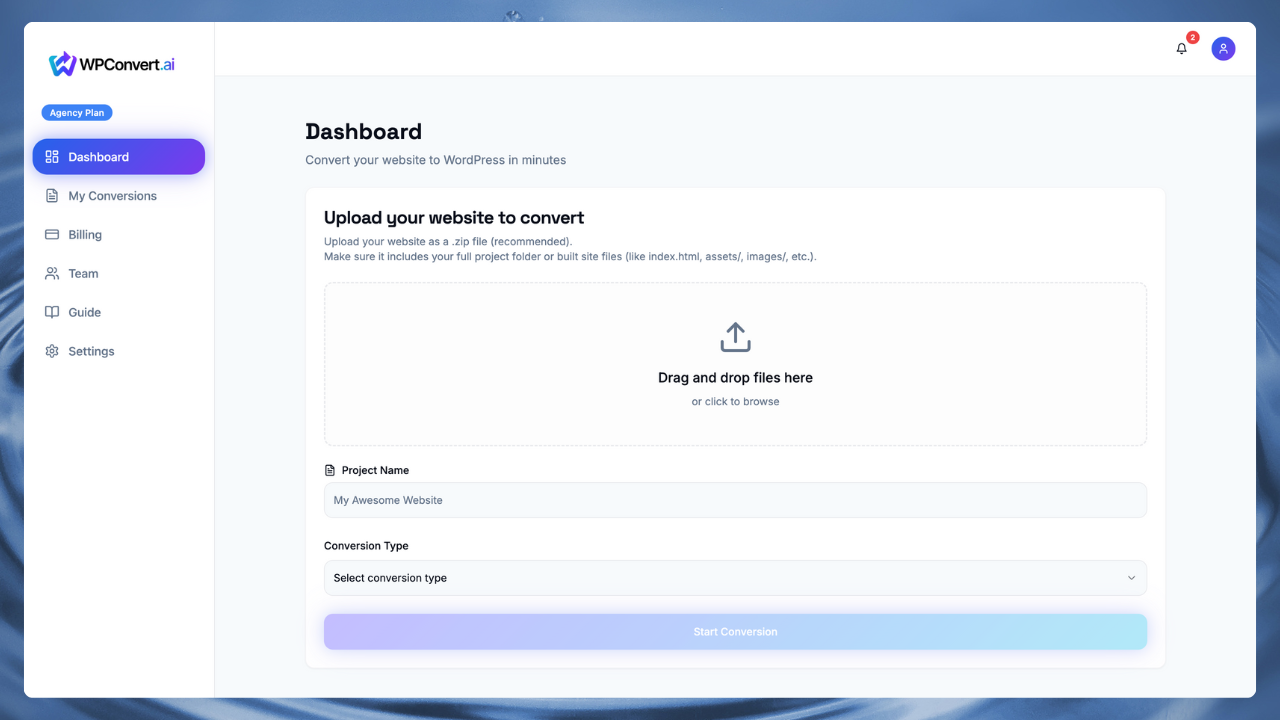
Step 2 — Upload the ZIP to WPConvert.ai
Go to https://wpconvert.ai and upload your ZIP file.
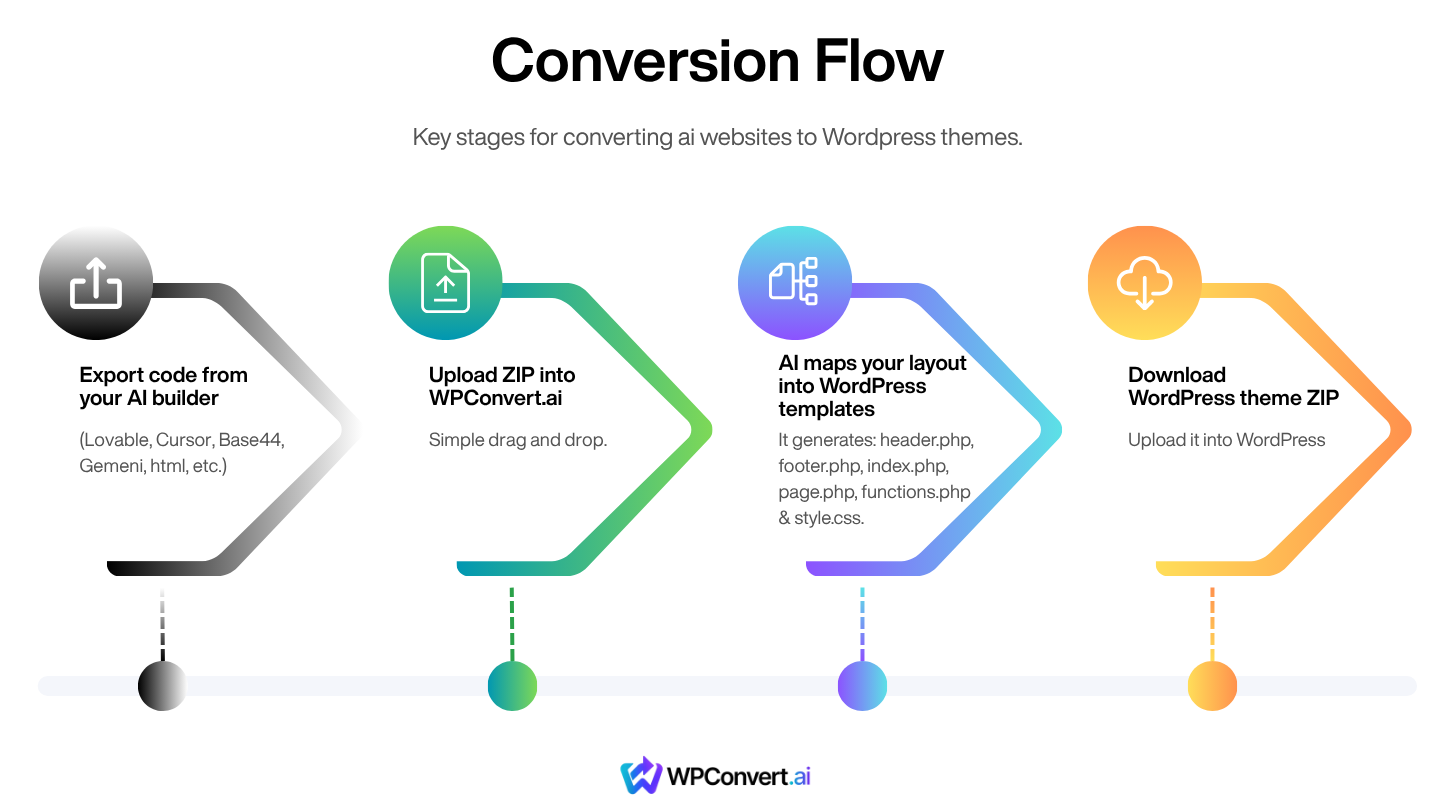
WPConvert will:
- scan the project structure
- detect static vs Vite-based builds
- compile static output when needed
- extract layout sections
- identify header/footer/content areas
- prepare WordPress templates
No manual setup required.
What WPConvert Generates
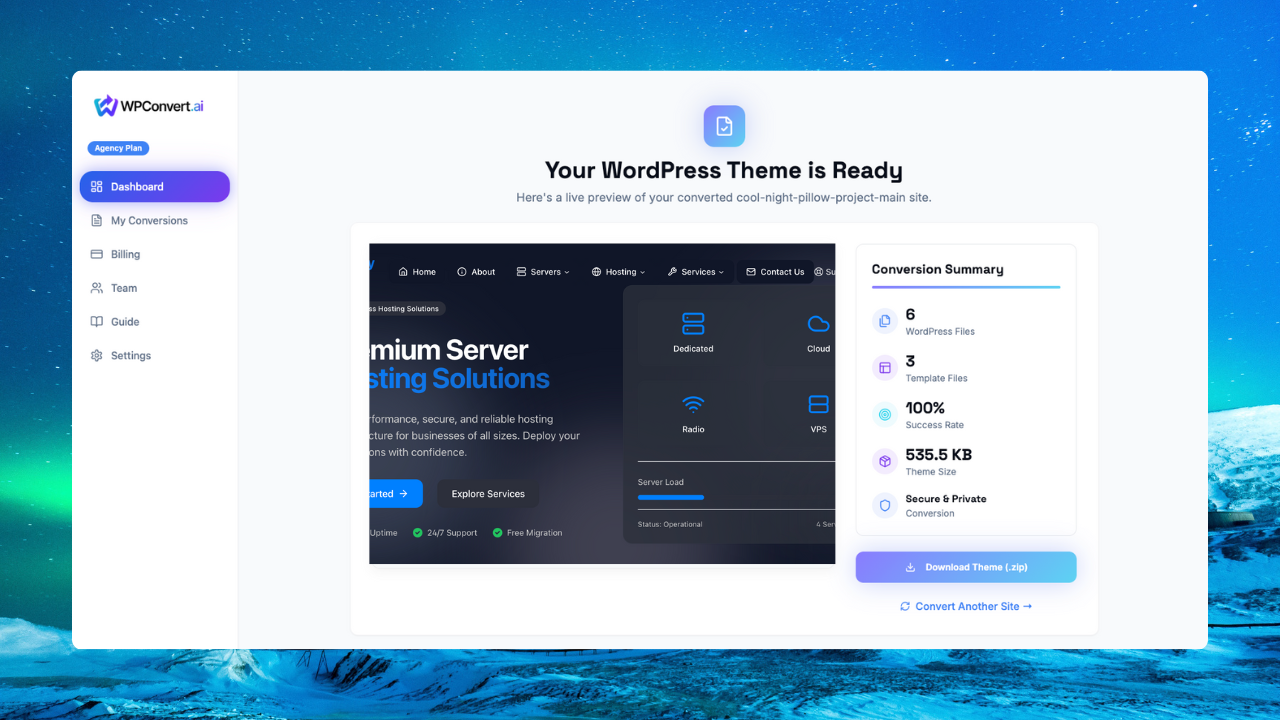
WPConvert creates a full WordPress theme including:
header.phpfooter.phpindex.phppage.phpfunctions.phpstyle.css(theme metadata)- organized
/assetsfolders
The final result is a ready-to-install WordPress theme ZIP.
Step 3 — Install the Theme in WordPress
In your WordPress admin:
Appearance → Themes → Add New → Upload Theme
Upload the ZIP generated by WPConvert and activate it.
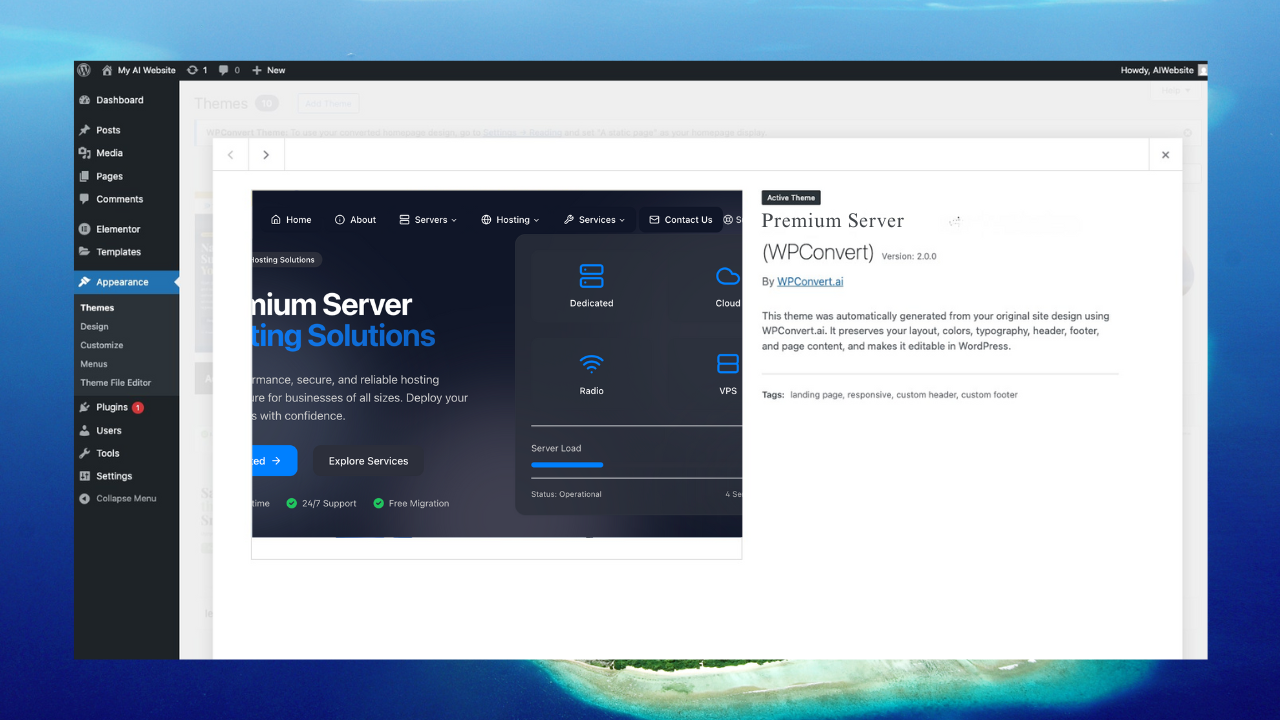
Your Cursor website is now running on WordPress.
Tips for Best Cursor → WordPress Conversion
✔ Keep your project client-side
Avoid server dependencies. If your Cursor site loads in a browser, WPConvert can convert it.
✔ Use relative paths
Relative asset paths convert more cleanly. Use ./images/logo.png instead of /images/logo.png.
✔ Test locally before exporting
If it loads in the browser, WPConvert can convert it. Test your Cursor project locally first to ensure everything works.
✔ Keep layout consistent
Helps WPConvert identify global templates. Consistent header/footer structures make conversion more accurate.
✔ Organize your assets
Keep images, CSS, and JS in organized folders. This makes the WordPress theme structure cleaner.
FAQ
Can Cursor-built React sites be converted?
Yes — as long as the site is client-side and statically renderable. WPConvert automatically detects Vite/React projects and compiles them to static output.
Do I need to run build commands?
No. WPConvert handles detection and compilation automatically. Just upload your project ZIP file.
Will my design look the same?
Most Cursor sites convert with 90–95% visual fidelity. WPConvert preserves your CSS, JavaScript, and layout structure.
Can I customize the theme afterward?
Yes — it behaves like any normal WordPress theme. You can edit PHP files, add plugins, modify styles, and extend functionality.
What if my Cursor project uses TypeScript?
WPConvert works with compiled output. If your TypeScript compiles to JavaScript that runs in the browser, it will convert successfully.
Are multi-page Cursor sites supported?
Yes — multiple HTML files become WordPress page templates automatically.
Will animations and interactions work?
Yes — as long as they're client-side JavaScript. CSS animations and JavaScript interactions are preserved in the WordPress theme.