How to Convert Your Google AI Studio Website Into a WordPress Theme
Step-by-step guide to convert any Google AI Studio website into a complete WordPress theme (.zip) using WPConvert.ai. Full control, SEO, plugins, and hosting flexibility.
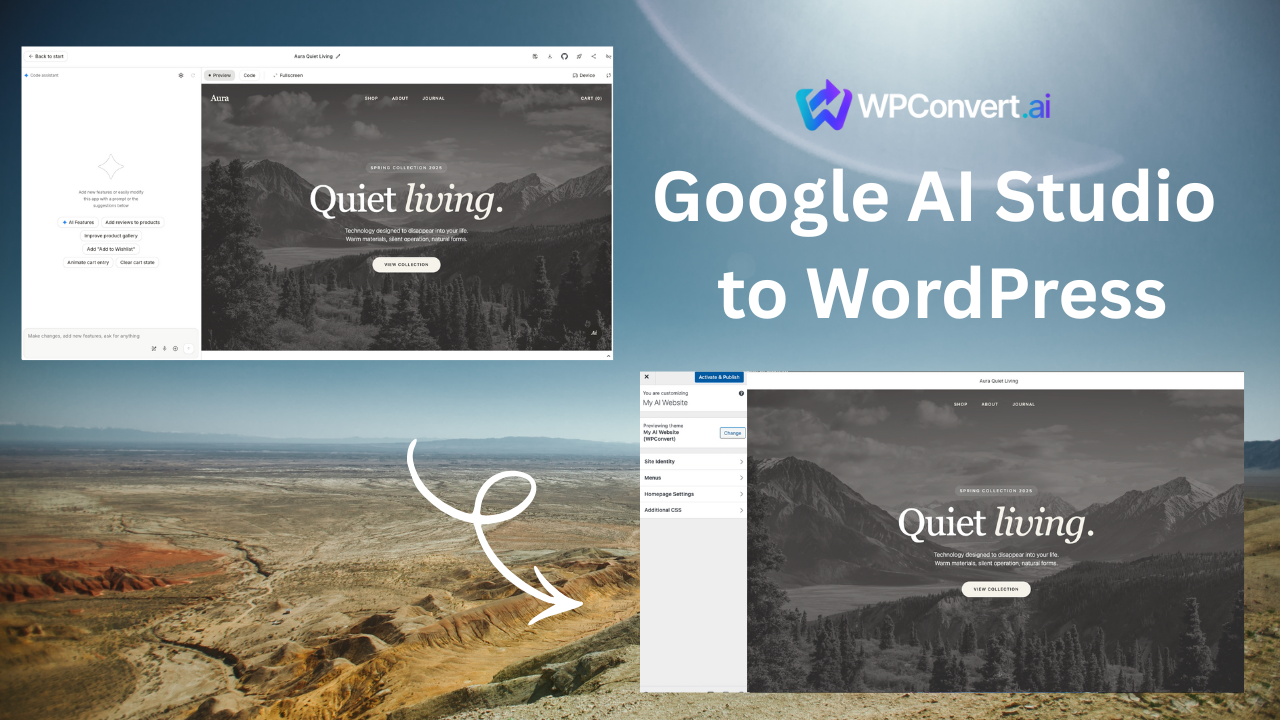
Google just launched Google AI Studio — and the response has been huge. Creators are generating full websites in minutes. But there's one major gap: Google AI Studio doesn't export to WordPress.
If you want full control, SEO, plugins, hosting flexibility, and real publishing workflows, you need your Google AI Studio site to run on WordPress.
This guide walks you step-by-step through how to turn any Google AI Studio website into a complete WordPress theme (.zip) using WPConvert.ai.
Table of Contents
- What Is Google AI Studio?
- Why Convert Google AI Studio Sites to WordPress?
- What WPConvert.ai Generates for You
- Step-by-Step: Convert Your Google AI Studio Site to WordPress
- Tips for Maintaining High Design Fidelity
- Common Questions
- Final Thoughts
1. What Is Google AI Studio?
Google AI Studio is Google's new platform for generating websites, UI layouts, and digital experiences with AI. It's extremely fast, visually impressive, and perfect for rapid prototyping.
But Google AI Studio is not a long-term hosting or CMS system.
- No WordPress theme export
- No plugin ecosystem
- No SEO configuration
- No CMS or content publishing
- No ability to self-host
- No scalable website management
Google AI Studio is great for creating — WordPress is great for publishing.
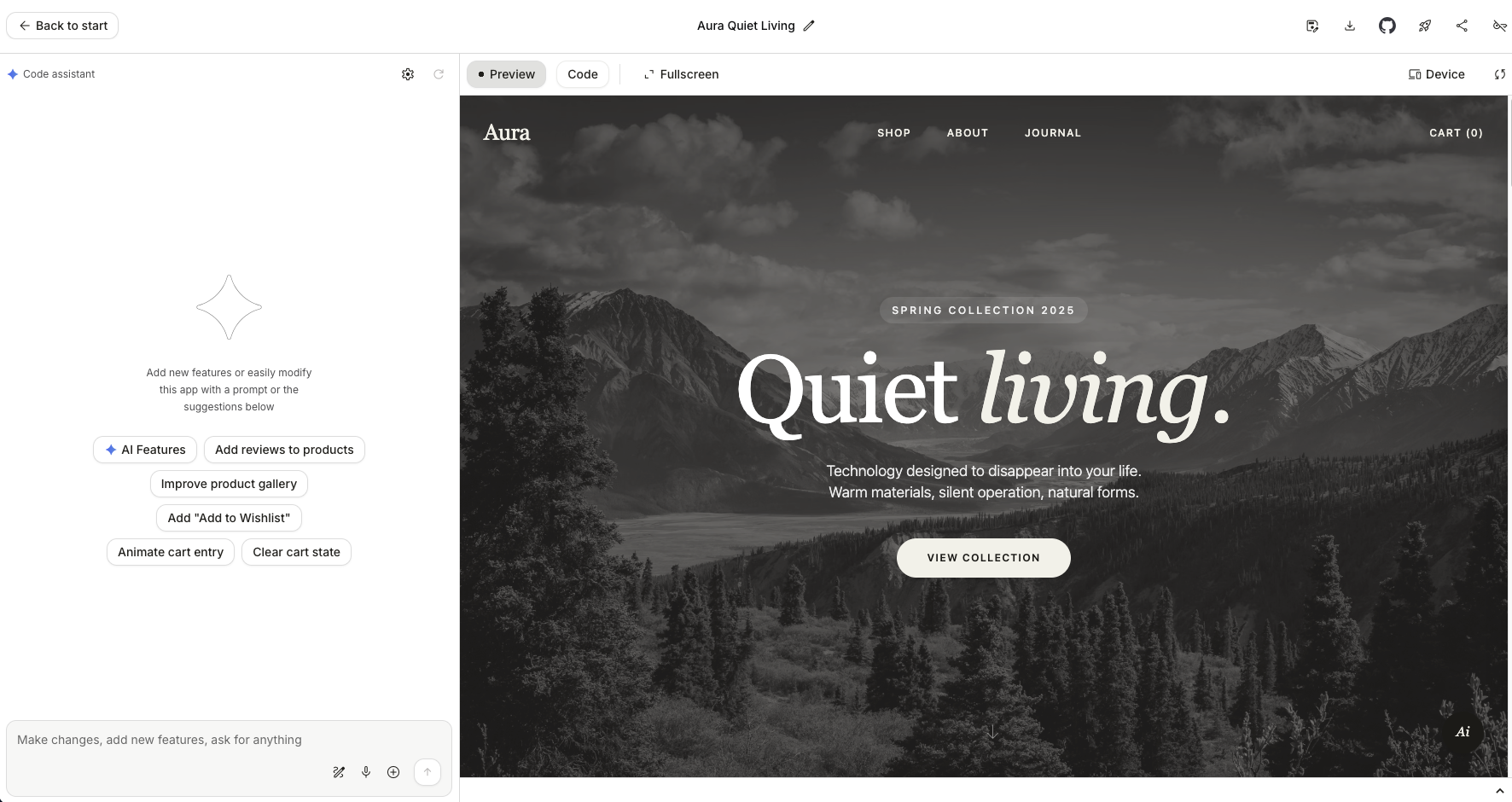
2. Why Convert Google AI Studio Sites to WordPress?
You should convert your AI Studio site to WordPress if you need:
Full SEO Control
Titles, metadata, structured data, URL paths, sitemap generation, schema, and performance tuning are only possible in WordPress.
Real Plugins & Integrations
Forms, CRM, analytics, memberships, payments, eCommerce — none of these exist in AI Studio.
Long-Term Ownership
WordPress gives you control over hosting, backups, infrastructure, code, and customizations.
Faster Client Delivery
Agencies can now use Google AI Studio as a prototype engine, then export to WordPress for final production.
3. What WPConvert.ai Generates for You
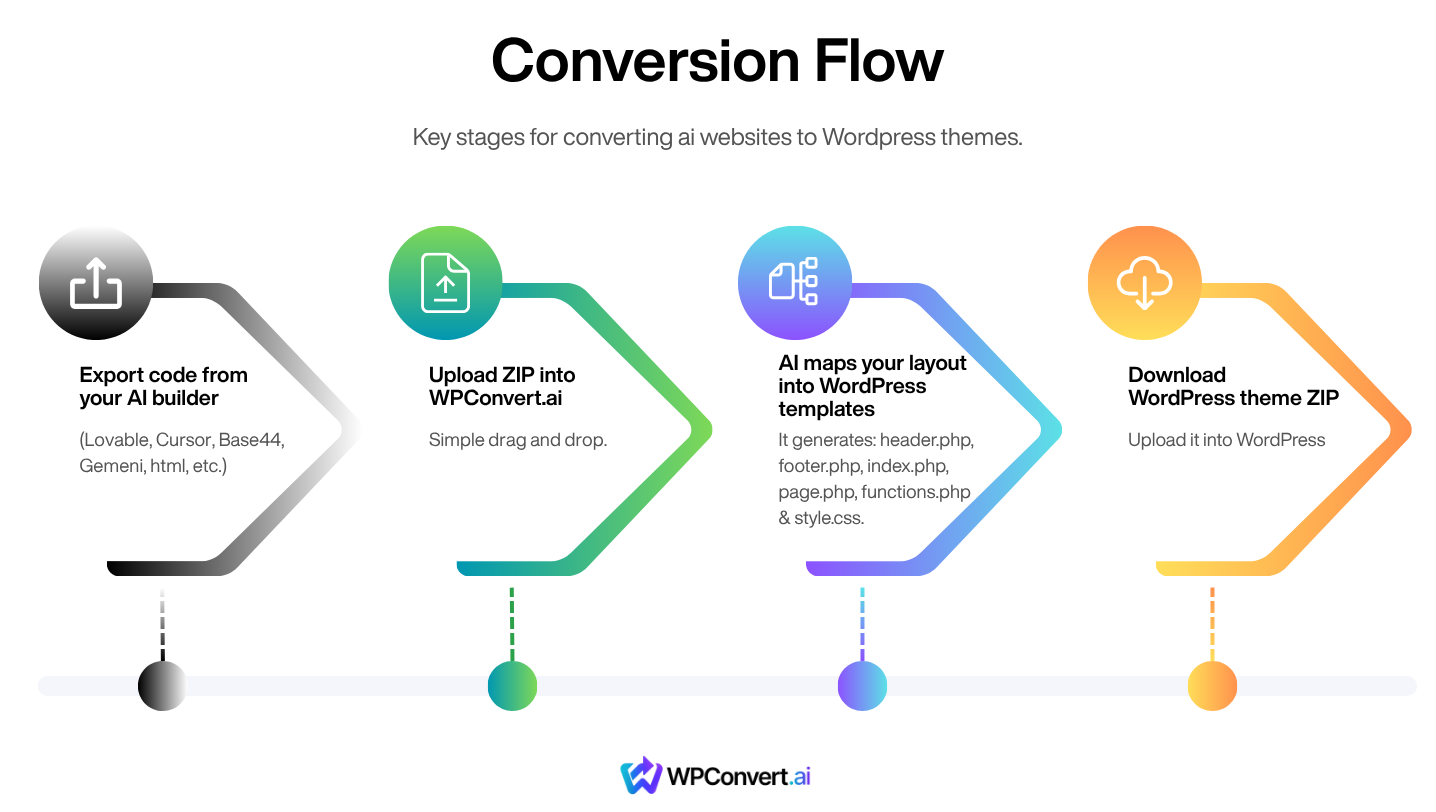
When you upload your Google AI Studio export, WPConvert.ai automatically builds:
A Complete WordPress Theme (.zip)
- Standard WordPress theme structure
- Header.php, footer.php, functions.php
- Page templates
- Global styles
- Navigation menus
- Assets folders
Design Fidelity
Your typography, hierarchy, spacing, layout structure, and responsive behavior are preserved as closely as possible.
Asset Extraction
All images are:
- Downloaded
- Re-hosted
- Referenced locally in the theme
Optional Future Exports (Pro/Agency)
- Elementor template export
- Gutenberg block export
4. Step-by-Step: Convert Your Google AI Studio Site to WordPress
This process takes under a minute.
Step 1 — Build Your Site in Google AI Studio
Create your design, generate pages, and refine your layout until the site looks the way you want.
Tip: Finalize desktop + mobile layout before exporting.
Step 2 — Export Your Google AI Studio Project
Google AI Studio allows export via:
- ZIP download
- Public preview link
Either option can be used with WPConvert.ai.
Step 3 — Upload to WPConvert.ai
Go to:
Click Try Free Conversion, then upload your project.
WPConvert instantly analyzes:
- HTML
- CSS
- Images
- Layout structure
- Internal navigation
Step 4 — Download Your WordPress Theme
After processing, you can:
- Share on X for a free unlock
- Pay $9 one-time
- Use PAYG credits
- Upgrade to Pro or Agency
Your download is a full WordPress theme (.zip) ready to install at:
Appearance → Themes → Add New → Upload Theme
5. Tips for Maintaining High Design Fidelity
To get the closest 1:1 result from Google AI Studio → WordPress:
1. Keep spacing consistent
Use consistent padding and margins within AI Studio.
2. Use simple, flat layer structures
Avoid deeply nested elements; AI Studio sometimes nests multiple wrapper layers.
3. Confirm responsive breakpoints
Make sure mobile versions are clean before exporting.
4. Use standard web fonts when possible
Google Fonts translate most accurately.
5. Avoid animated or interactive elements that depend on proprietary AI Studio JS
These can be replicated in WordPress later using plugins.
6. Common Questions
Does WPConvert need the full AI Studio export?
Yes — ZIP or public link is required so WPConvert can analyze your site's structure and assets.
Can I edit my site after it becomes a WordPress theme?
Yes. Your WordPress theme is fully editable.
Will the design match exactly?
Design fidelity is typically high. Visual structure, spacing, colors, and layout convert cleanly. Dynamic or experimental AI components may require post-adjustment.
Are images re-hosted?
Yes. Images are downloaded and included inside your WordPress theme.
Can I convert multiple projects?
Yes. WPConvert supports:
- One-time unlock
- Pay-As-You-Go credits
- Pro (20 conversions/mo)
- Agency (unlimited conversions)
7. Final Thoughts
Google AI Studio is an incredible creative engine — but it isn't a publishing platform. WordPress is.
WPConvert.ai bridges the gap, letting you take your AI-generated sites further:
- Full ownership
- Real CMS
- SEO power
- Plugins and integrations
- Hosting freedom
If you're using Google AI Studio to prototype or design, converting to WordPress is the fastest path from idea to production.
Turn Your Google AI Studio Site into a Real WordPress Theme Today
Start a free conversion preview at: