Convert a Lovable.dev Website to WordPress (Complete Guide)
How to convert a Lovable.dev AI-built site into a WordPress theme using WPConvert.ai — step-by-step with screenshots.
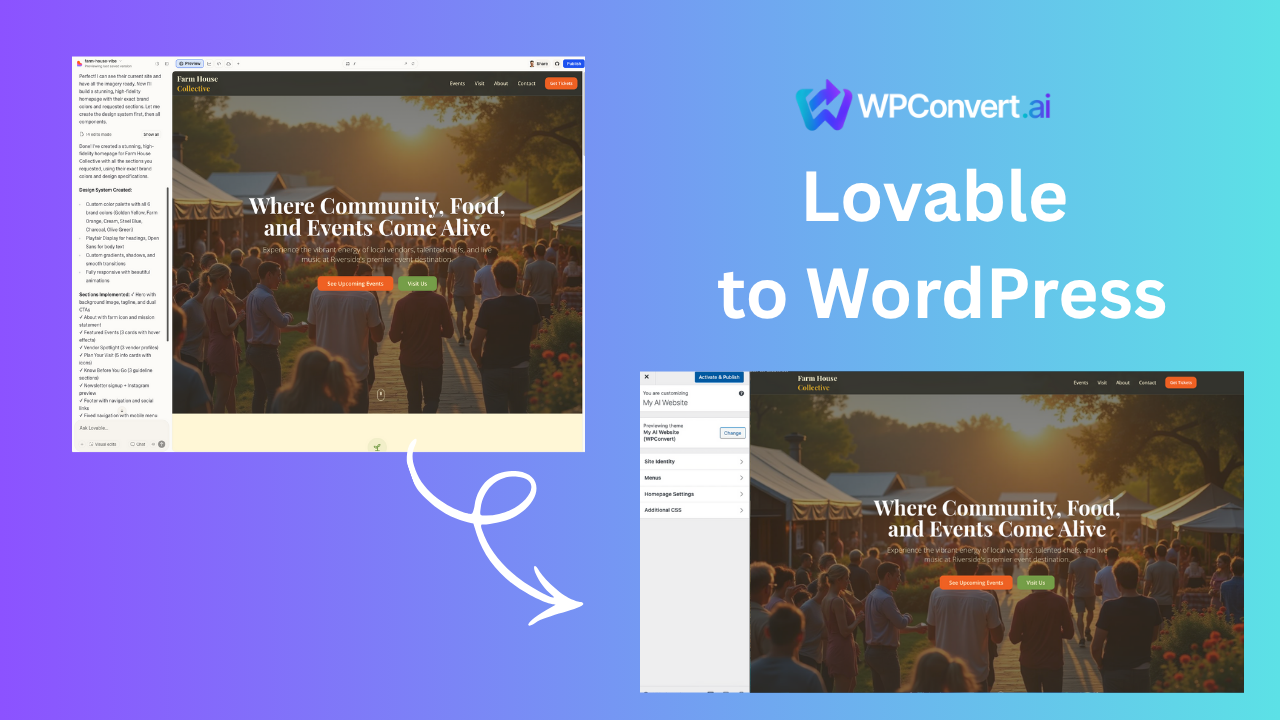
Lovable.dev is one of the fastest-growing AI website builders — perfect for designing beautiful sites in minutes.
But when it’s time to scale, add plugins, integrate SEO tools, or host clients, WordPress becomes the natural upgrade path.
WPConvert.ai makes it easy to convert your Lovable website into a fully installable WordPress theme.
Why Convert Lovable.dev Sites to WordPress?
1. Need Plugins?
WordPress has 60,000+ plugins.
2. Need Better SEO?
WordPress gives full control over:
- meta
- schema
- indexing
- sitemaps
3. Need Control + Hosting Freedom?
Lovable = hosted
WordPress = self-hosted or cloud-hosted anywhere
4. Need CMS capabilities?
Lovable sites are static exports.
WordPress has a full CMS built-in.
Step-by-Step: Convert Lovable.dev to WordPress
Step 1 — Export Your Lovable.dev Site
In Lovable:
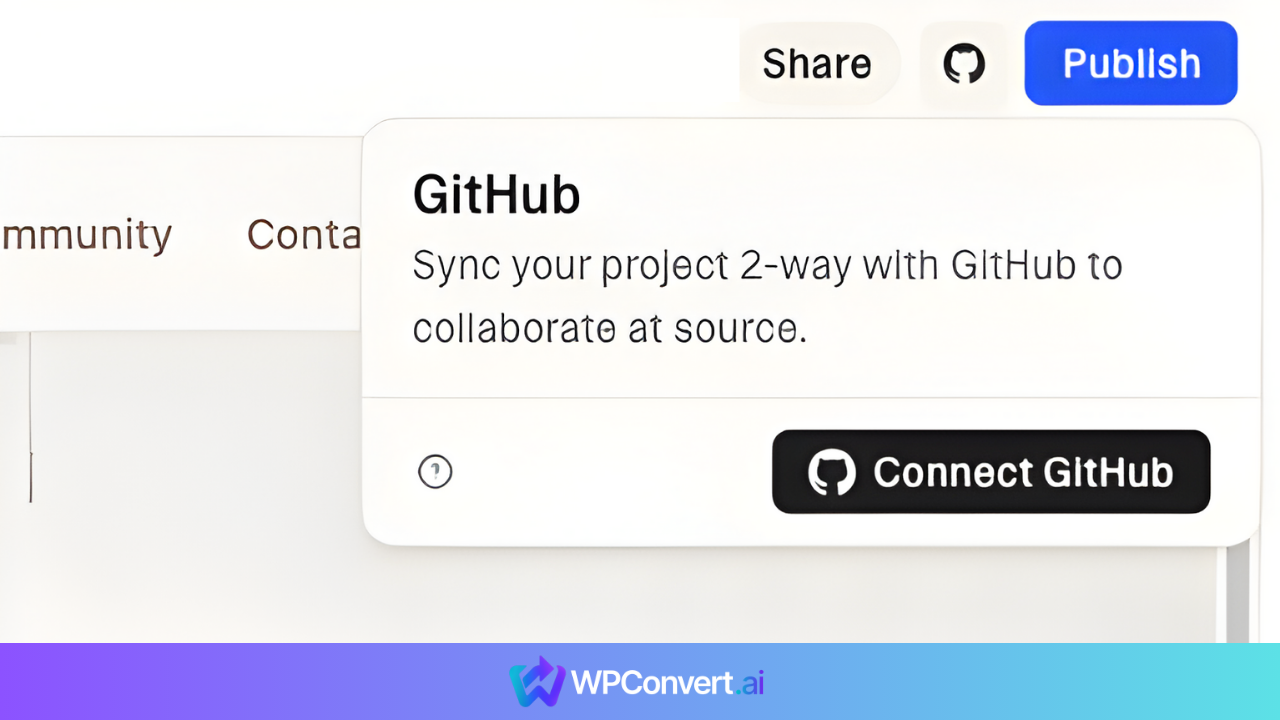
- click Connect Github
- Download the ZIP file from Github
Step 2 — Upload ZIP to WPConvert.ai
Drag and drop the ZIP.
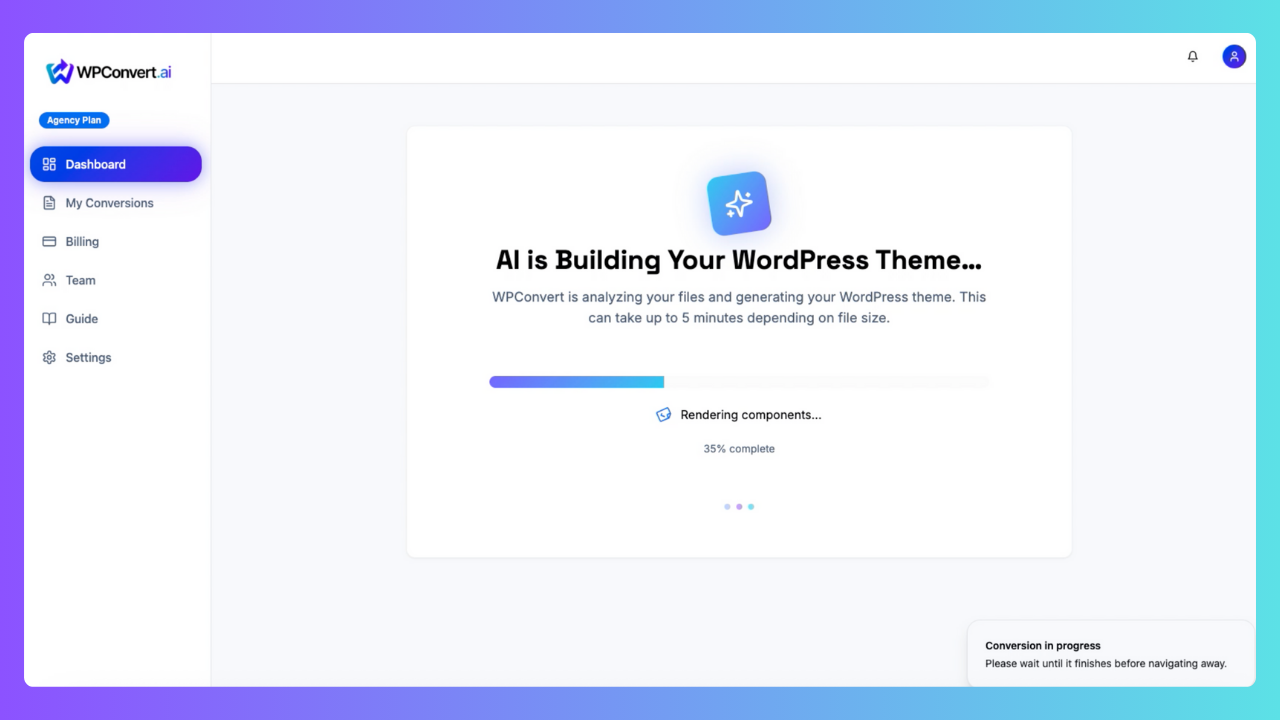
WPConvert automatically:
- detects layout sections
- builds WordPress templates
- recreates styling
- packages everything into a theme ZIP
Step 3 — Download the WordPress Theme
You'll get a ZIP file containing:
- header.php
- footer.php
- index.php
- page.php
- functions.php
- style.css
- assets
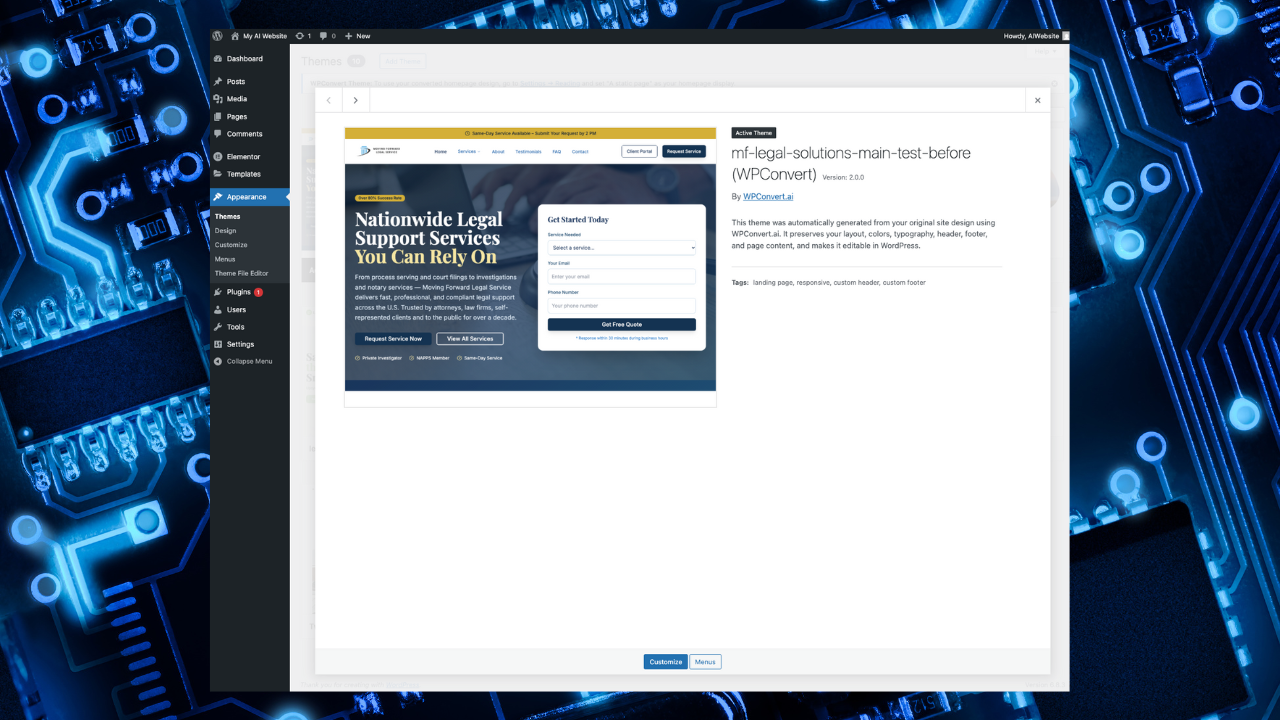
Step 4 — Install in WordPress
Go to:
Appearance → Themes → Add New → Upload Theme
Video Walkthrough
FAQ
Will my Lovable site look the same in WordPress?
In most cases, yes — 90–95% fidelity.
Does this work for every Lovable export?
As long as it's the standard “Download Code” export, yes.
Can I edit my theme after converting?
Yes — it becomes a normal WordPress theme.
Conclusion
Lovable is the fastest way to design.
WordPress is the most powerful way to deploy.
WPConvert.ai bridges the two — giving you the best workflow in 2026.