How to Convert a Replit Website to WordPress
Convert ANY Replit project—static HTML, CSS, JS, or Vite React—into a fully installable WordPress theme using WPConvert.ai. No build steps, no manual setup.
How to Convert a Replit Website to WordPress (Static & Vite Supported)
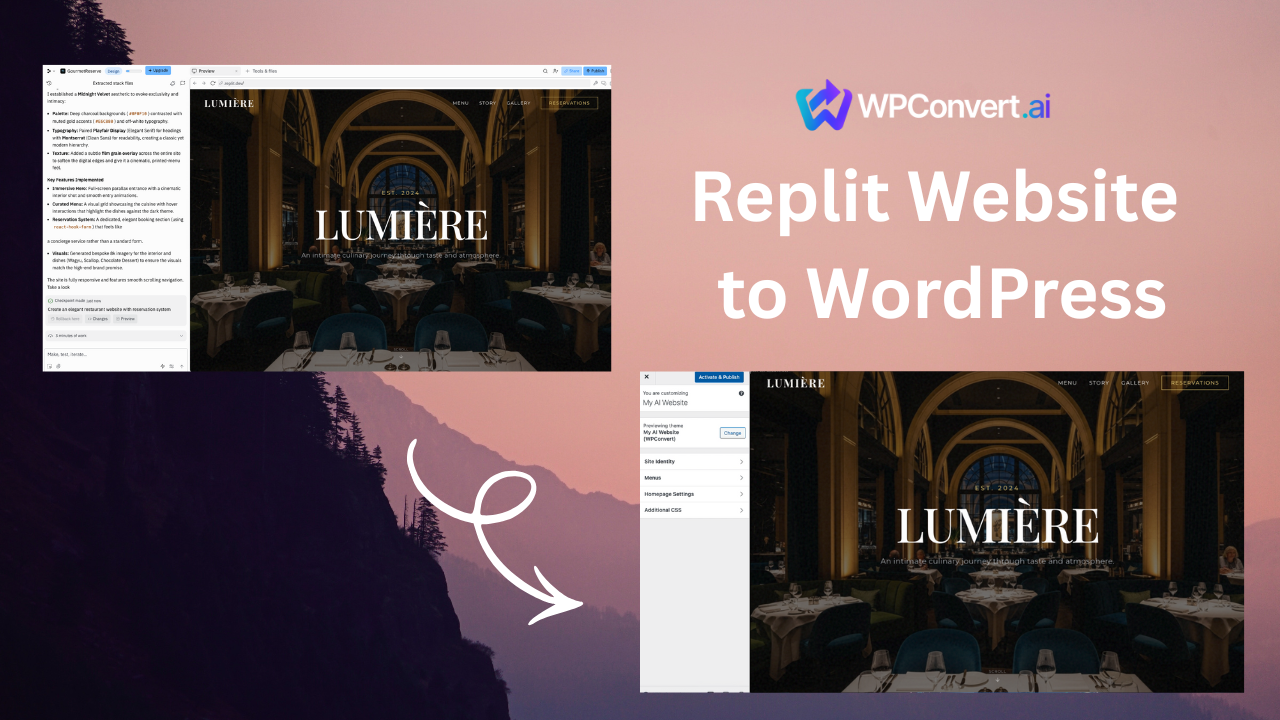
Replit is one of the easiest ways to build websites, whether you're creating:
- simple HTML/CSS/JS pages
- Tailwind or Bootstrap landing pages
- Vite + React apps
- AI-generated projects
- personal websites or prototypes
But when you want to expand your site with SEO tools, plugins, forms, e-commerce, blogging, or a full CMS, WordPress becomes the natural upgrade path.
WPConvert.ai allows you to convert ANY Replit site into a WordPress theme — automatically — just by uploading your Replit ZIP file.
No Vite build steps.
No configuring bundlers.
No manual HTML slicing.
No coding.
What Types of Replit Sites Can WPConvert Handle?
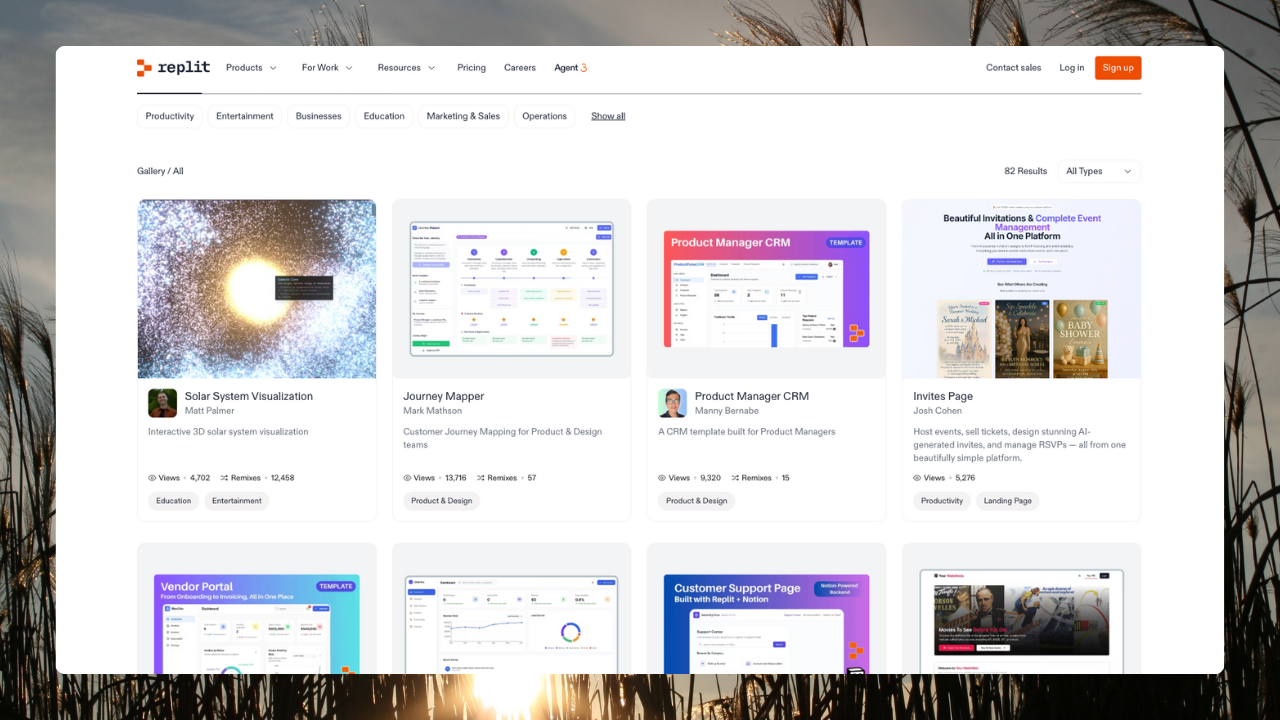
Because Replit lets users build almost any type of frontend, WPConvert was designed to automatically detect the project type.
Here's what is fully supported:
✔ 1. Static HTML / CSS / JS Sites (Fully Supported)
These include:
- Replit "Static Website" template
- Landing pages
- Portfolio sites
- HTML/CSS projects
- Tailwind/Bootstrap sites
- AI-generated HTML pages
WPConvert reads and converts them seamlessly.
✔ 2. Vite + React Sites (Also Fully Supported Automatically)
Replit React projects usually run on Vite.
Many users assume they need to run:
npm run build
But with WPConvert, you don't.
Simply:
Download the entire Replit project ZIP
WPConvert will automatically:
- detect that it's a Vite project
- locate the output directories
- compile static output internally
- extract the final
index.html+ assets - convert the site into a WordPress theme
This is a massive advantage for non-developers.
✘ What's Not Supported
Only server-side Replit projects can't be converted:
- Node.js backend apps
- Express servers
- Python/Flask/Django
- Next.js SSR
- Database-driven apps
If it's a static or client-side project, WPConvert supports it.
How to Convert Your Replit Project to WordPress
This is the easiest part — just 2 steps.
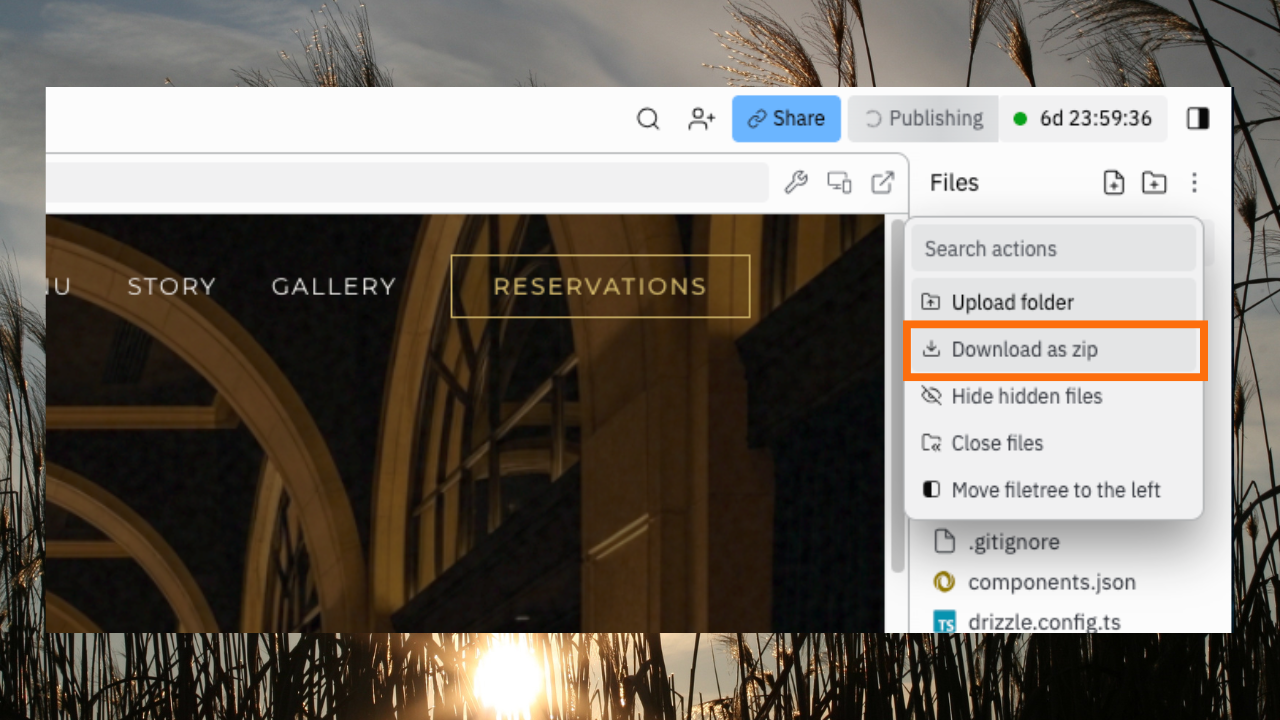
Step 1 — Download Your Project ZIP From Replit
In any Replit project:
- Click the three dots (…) menu
- Select "Download as ZIP"
Replit exports the entire project:
index.html (or)
src/ (React)
style.css
assets/
images/
vite.config.js (if React)
package.json
It doesn't matter if it's:
- HTML
- CSS
- Vanilla JS
- React
- Vite
WPConvert automatically detects the structure.
Step 2 — Upload the ZIP to WPConvert.ai
Go to https://wpconvert.ai
Drag and drop your ZIP file.
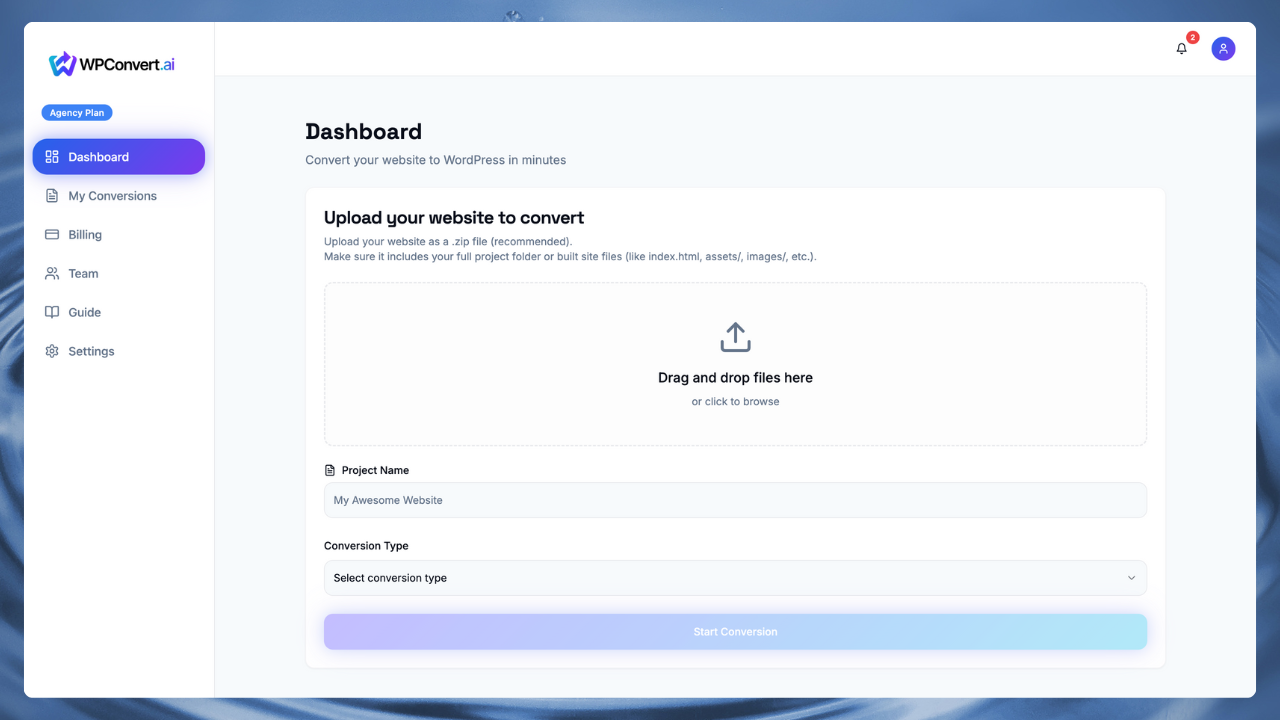
WPConvert will:
- scan the project
- detect framework type
- compile Vite apps to static output
- reconstruct layout sections
- map header/footer/body
- package everything into a WordPress theme
What WPConvert Generates Automatically
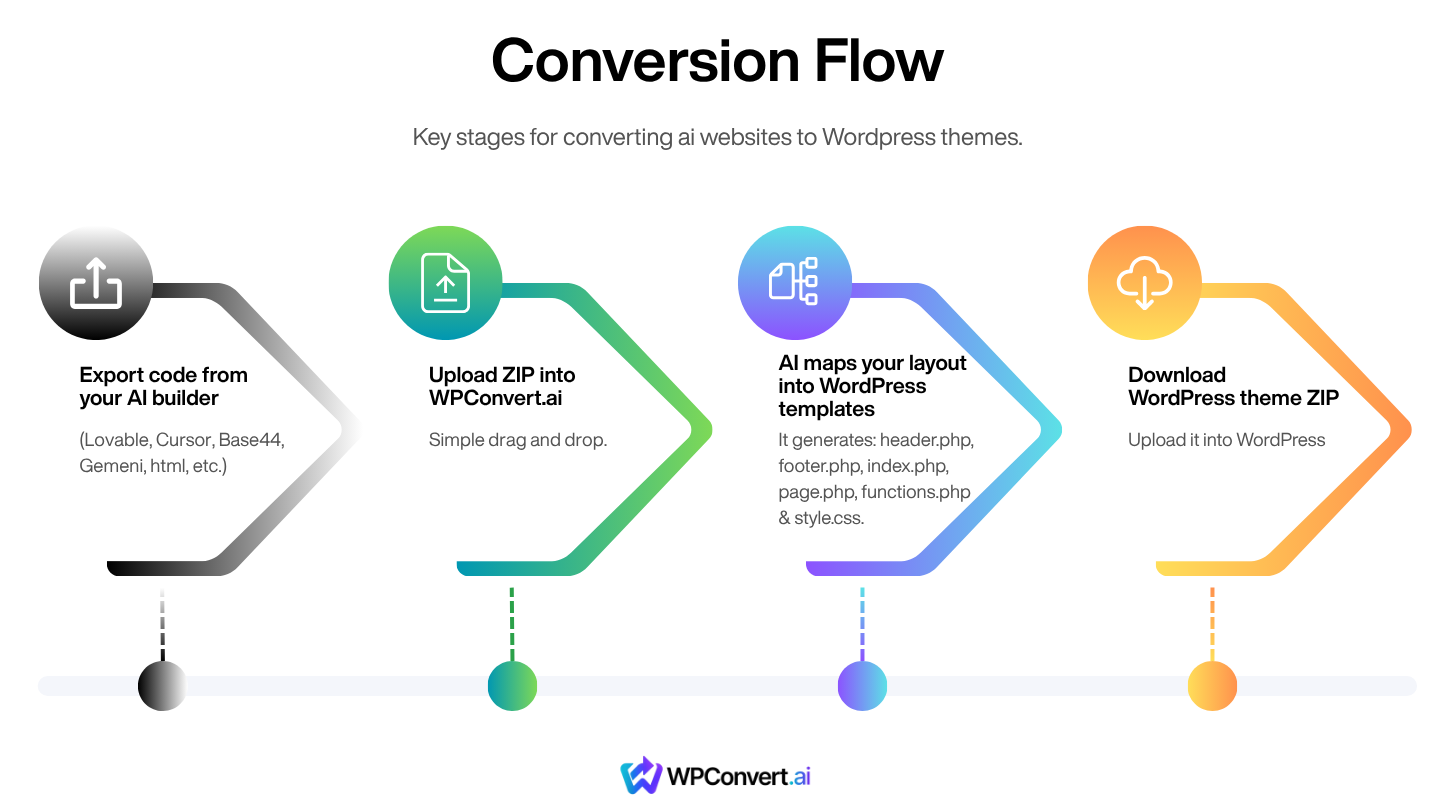
WPConvert builds a full WordPress theme, including:
header.phpfooter.phpindex.phppage.phpfunctions.phpstyle.css(theme metadata)/assets/css/assets/js/assets/images
You get a clean theme ZIP ready for WordPress.
Step 3 — Install Your New Theme in WordPress
Go to your WordPress admin:
Appearance → Themes → Add New → Upload Theme
Upload the ZIP WPConvert generated.
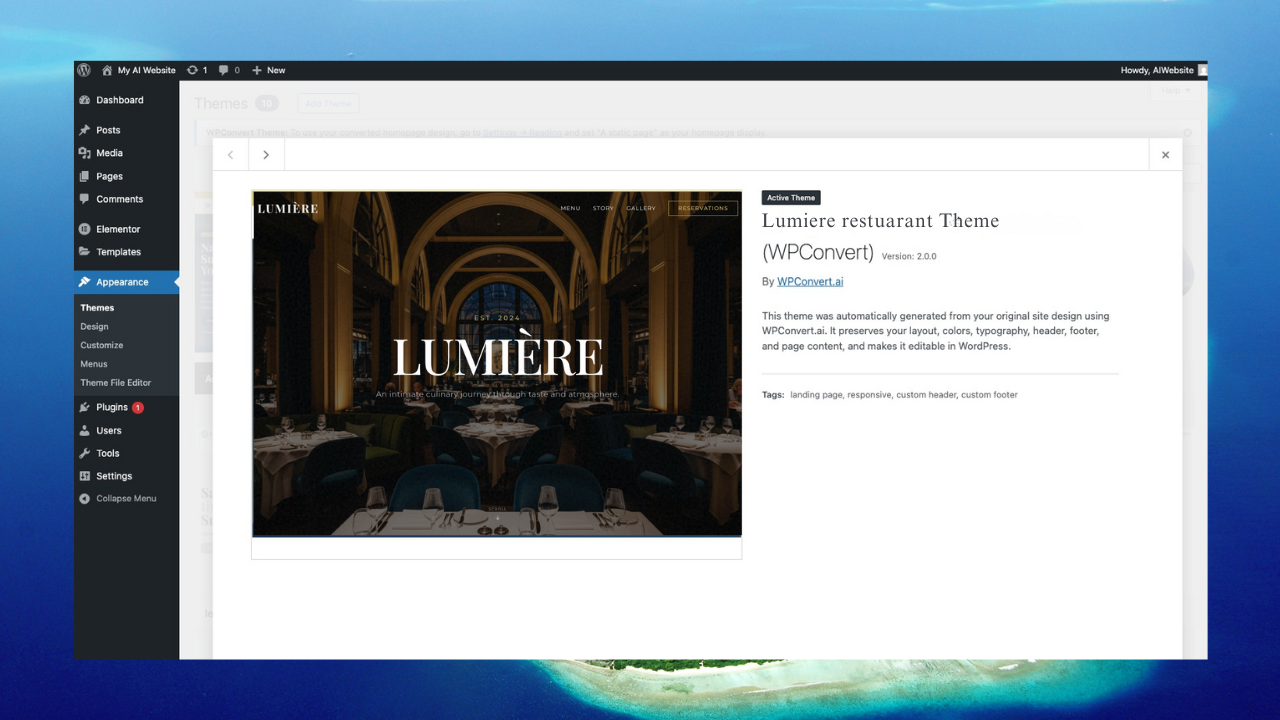
Your Replit site is now a fully working WordPress theme.
Tips for Best Results
✔ Test the Replit site first
If it loads in the preview, WPConvert can convert it.
✔ Keep your file paths relative
Avoid absolute paths like /images.
Use ./images instead.
✔ Avoid server-side logic
Static only.
✔ Use a readable structure
Good HTML = good theme structure.
FAQ
Can I convert a Replit Vite React project?
Yes — just download the ZIP.
No command line required.
Will my design look the same in WordPress?
Usually 90–95% accurate.
Are multi-page Replit sites supported?
Yes — additional HTML files become WordPress page templates.
Will JavaScript still work?
Yes — as long as it's client-side JS.
Can I edit the theme afterward?
Absolutely. It behaves like any WordPress theme.