Convert a Static HTML Website to WordPress Automatically
Learn how to convert any static HTML/CSS/JS website into a complete WordPress theme without rebuilding everything manually using WPConvert.ai.
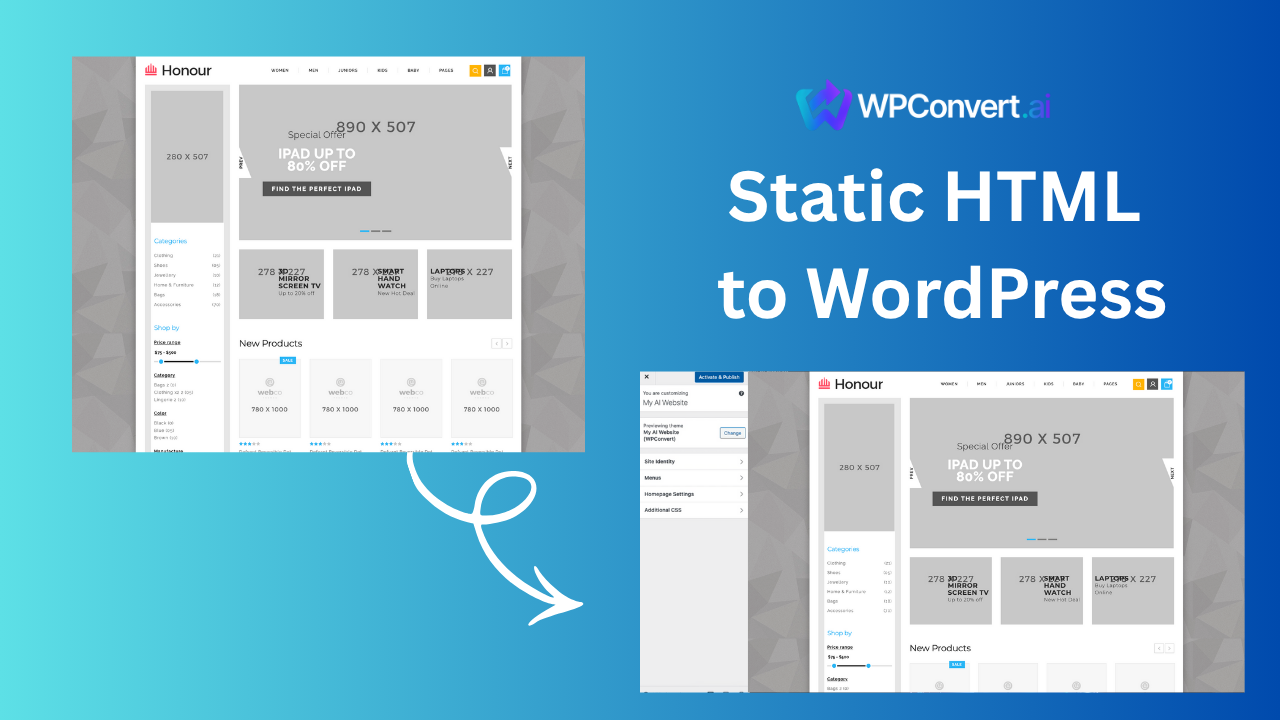
Many businesses, freelancers, and developers have older static websites built using:
- pure HTML/CSS
- Bootstrap
- Tailwind
- simple landing pages
- AI-exported HTML files
These sites load fast — but they're difficult to scale.
WordPress makes everything easier:
- manage content
- add plugins
- integrate marketing tools
- publish blogs
- handle SEO
- add eCommerce
In this guide, you’ll learn how to convert ANY static HTML website into a fully installable WordPress theme automatically.
Why Convert a Static HTML Site to WordPress?

1. No CMS
Hard-coded HTML means:
- no admin panel
- no content editors
- no blog
- no plugins
2. No SEO control
WordPress gives you:
- Yoast/RankMath
- schema plugins
- sitemap generation
- canonical control
3. Hard to update
Editing a static site requires editing code manually.
4. No plugin ecosystem
Static sites can't easily add:
- forms
- CRM integrations
- analytics
- lead tracking
- AI widgets
WPConvert.ai: A Faster Way to Convert Static Sites
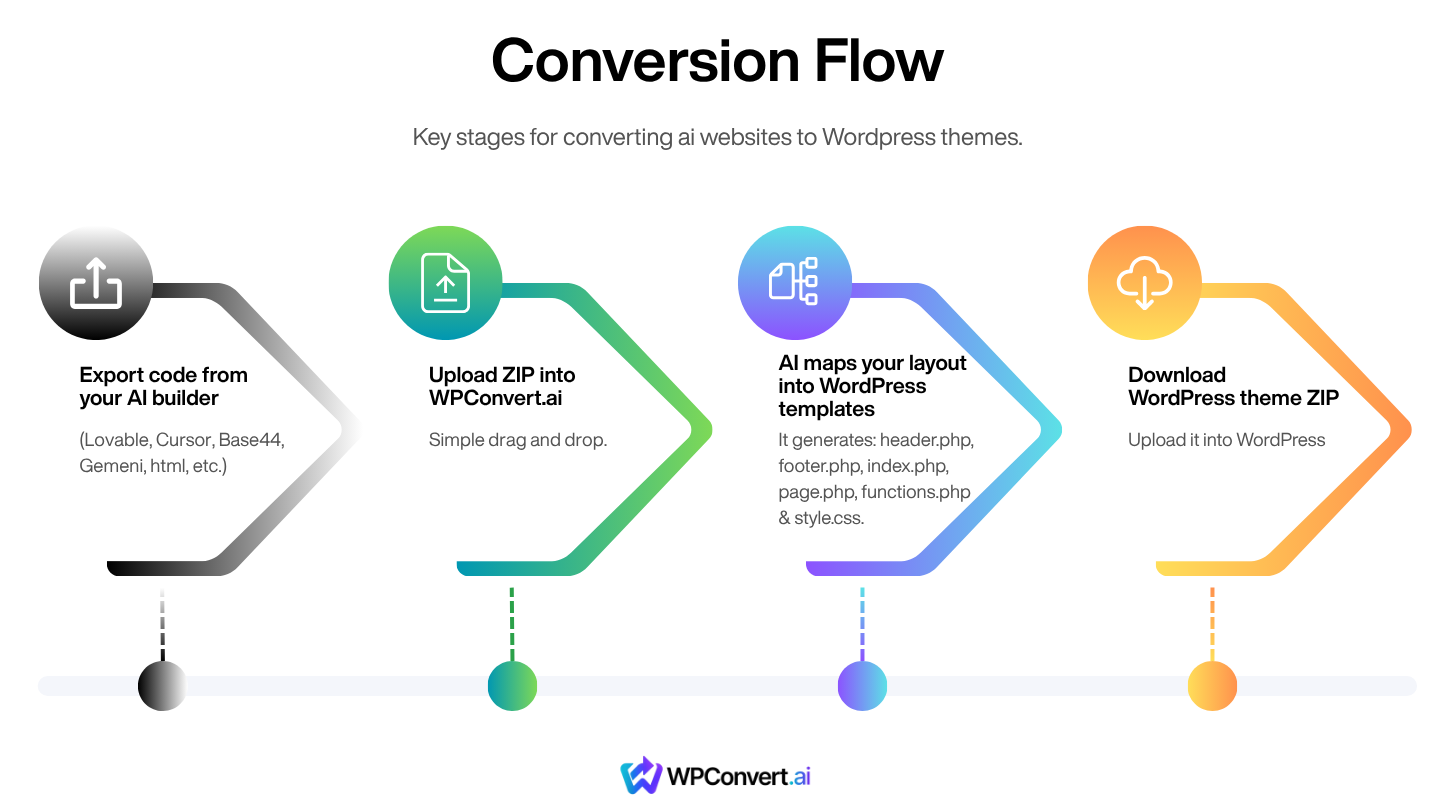
Traditionally, converting a static site to WordPress involves manually slicing up the HTML into:
- header.php
- footer.php
- index.php
- page.php
- functions.php
This takes hours (or days).
WPConvert.ai automates the entire process.
How the Conversion Works
Step 1 — Prepare Your Static Files
You should have:
/index.html- CSS (
/css/…) - JS (
/js/…) - Images (
/images/…)
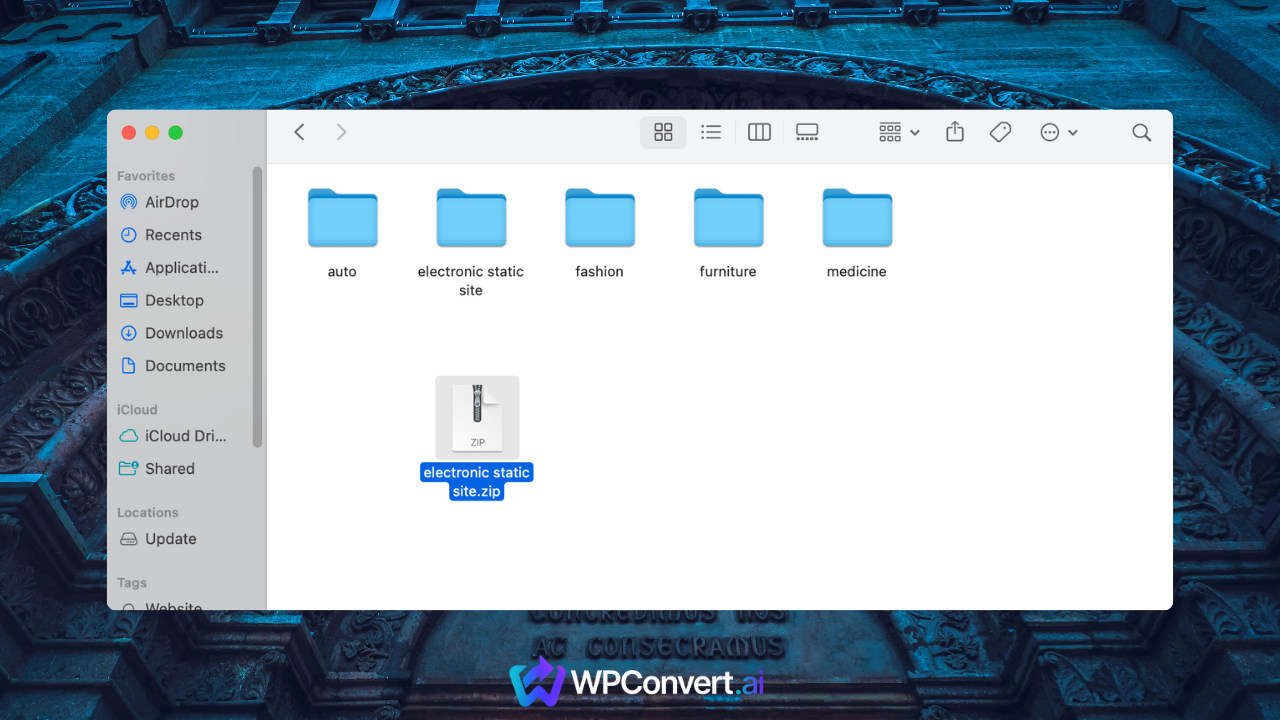
Zip the folder.
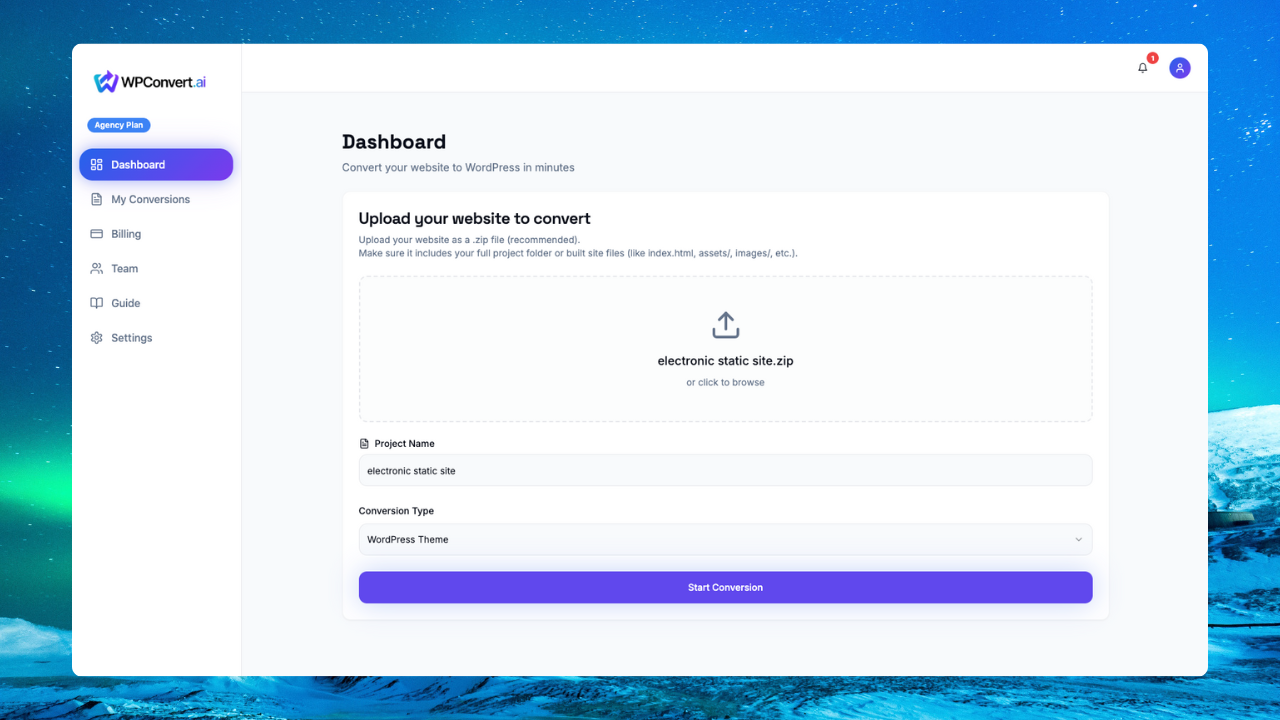
Step 2 — Upload ZIP to WPConvert.ai
WPConvert scans:
- HTML structure
- all linked CSS
- JavaScript assets
Step 3 — AI Builds Your WordPress Theme
WPConvert automatically generates:
- header.php
- footer.php
- functions.php (with asset enqueues)
- index.php
- page.php
- style.css
/assets/folder
Step 4 — Download & Install Your Theme
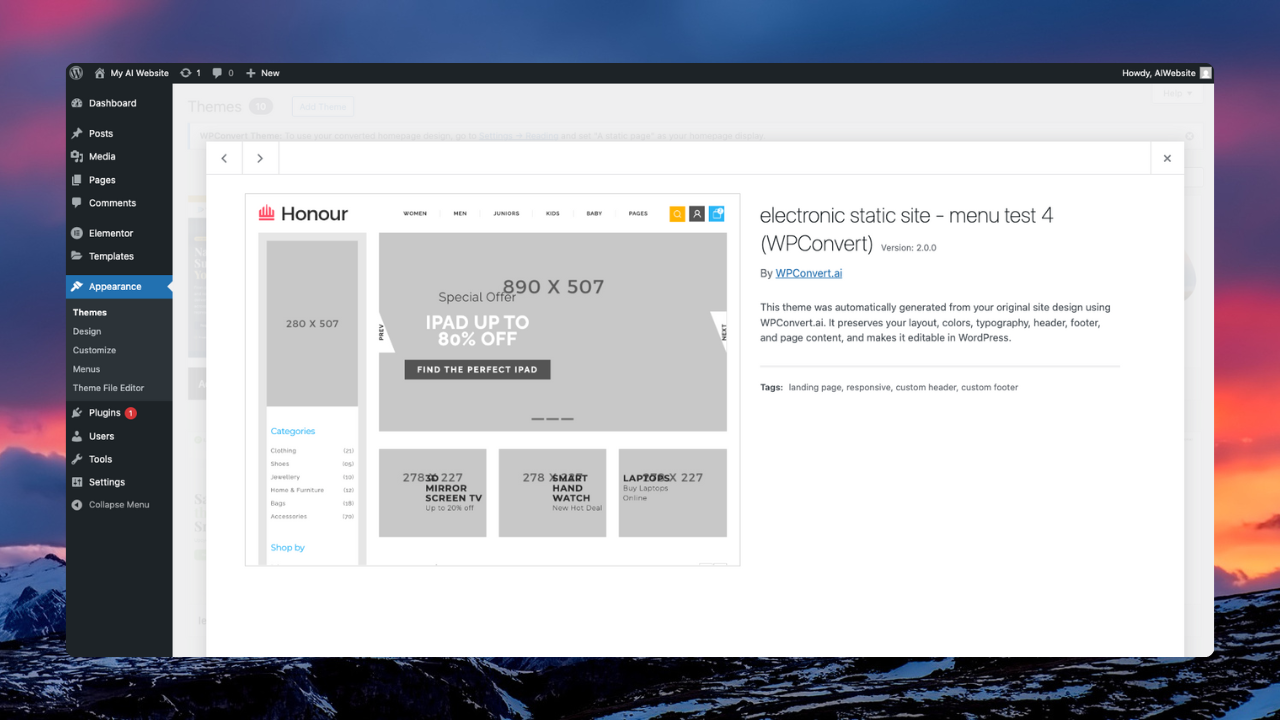
Upload via:
Appearance → Themes → Add New → Upload Theme
You now have a working WordPress site with your static design.
Video Walkthrough
Converting a static HTML website to WordPress has never been easier. With WPConvert.ai, you can transform your entire HTML site into a fully functional WordPress theme in just minutes. Simply upload your static files, and our AI automatically maps your HTML structure into WordPress templates while preserving all your original design, styling, and functionality. No manual coding required—watch the video below to see how effortless the conversion process really is.
FAQ
Does WPConvert preserve my design?
Yes — WPConvert aims for 90–95% design fidelity.
Do I need coding experience?
No, WPConvert automates the heavy lifting.
Can I use Elementor afterward?
Yes — you can layer Elementor on top of your custom theme.
Conclusion
Static sites are fast — WordPress is powerful.
WPConvert.ai gives you the best of both worlds.