Convert Cursor Projects to WordPress — Companion Post
Cursor-built sites (Vite, React, or static dist) can become WordPress themes. The maintained conversion guide moved to /convert/cursor-to-wordpress/.
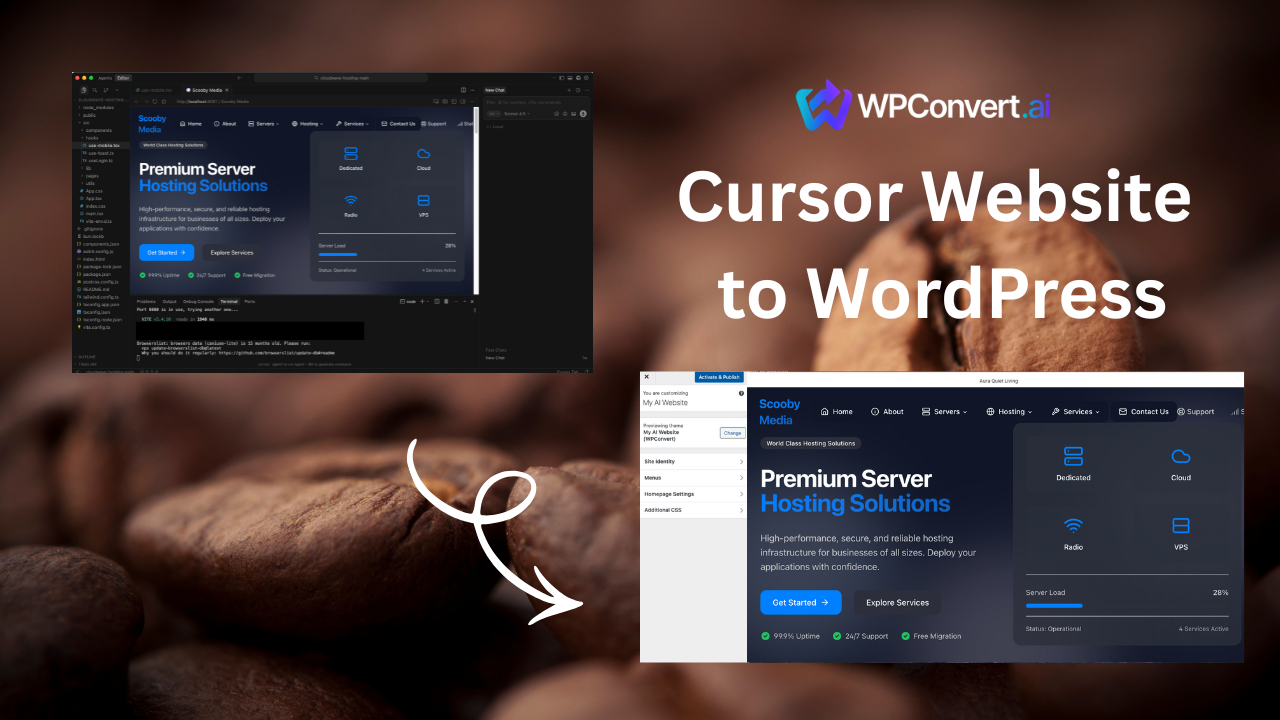
Cursor developers often ship marketing sites and portfolios as Vite or static dist/ folders. WPConvert treats those like any other export — with a few Cursor-specific caveats.
Canonical guide (updated regularly):
Why developers convert Cursor sites
- Client delivery — hand off a WordPress theme instead of a Node build pipeline
- Plugin ecosystem — SEO, forms, analytics without custom integrations
- Non-developer editors — marketing teams work in WordPress admin
- Hosting flexibility — standard LAMP/stack hosts, no build step in production
Typical workflow (summary)
- Build or export your Cursor project (
dist/or static HTML folder) - ZIP the output (exclude
node_modules) - Upload to WPConvert for a free preview
- Download the theme ZIP and install under Appearance → Themes
Full detail, edge cases, and troubleshooting live on the canonical convert page.
What converts cleanly
From portfolio and landing projects:
- Project card grids and hover states
- CSS variable theming (including dark mode)
- Resume/download links as real anchors
- Footer social icons
Dynamic data sources (GitHub API project lists, headless CMS fetches) usually become static cards unless you wire WordPress custom post types afterward.
Cursor developer portfolio template documents a representative conversion.
Before you upload
Optimize before conversion — verify asset paths, remove dev-only scripts, and confirm navigation is in the DOM.
FAQ
React/Vite vs plain HTML?
Both work when the upload is the built static output, not the dev server.
Where is the full tutorial?
Related
- Cursor builder hub
- CLI/MCP/API launch post — for automation workflows