Convert Lovable.dev to WordPress — What Changed in 2026
We originally published this as a full tutorial. The canonical Lovable → WordPress workflow now lives on a dedicated convert page — this post explains why and what to expect.
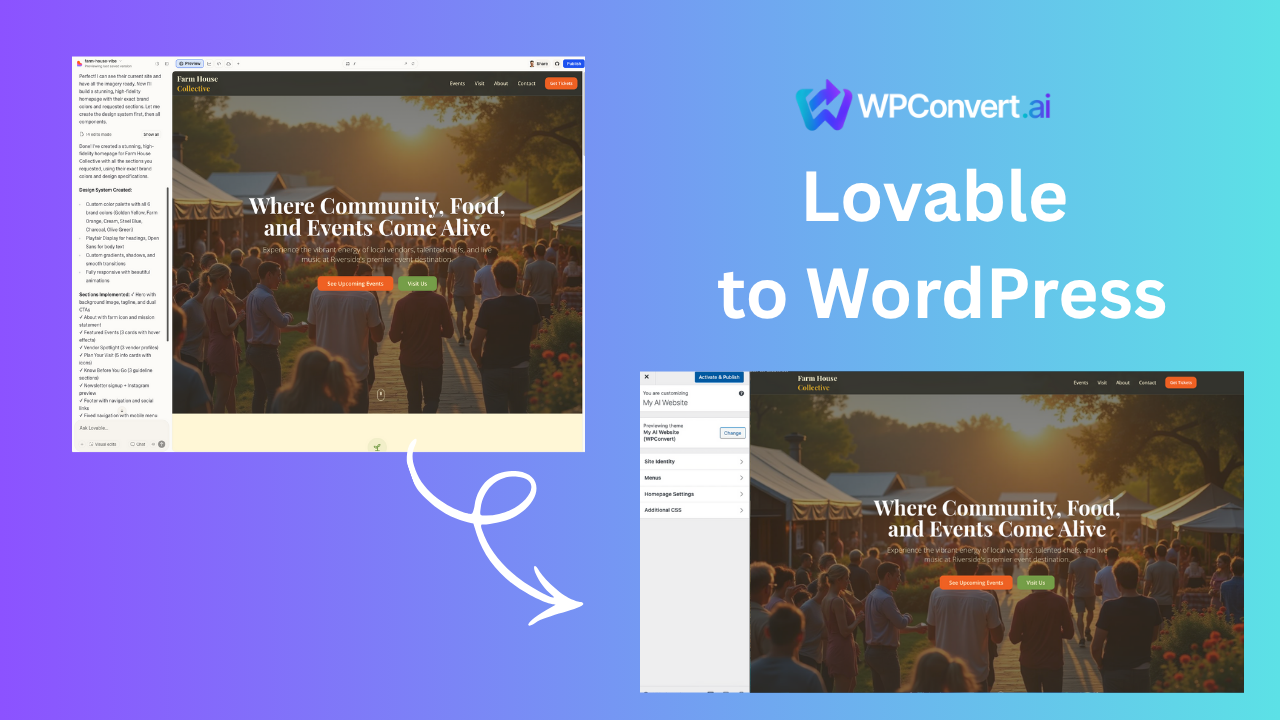
When we first published this article, a long step-by-step Lovable conversion tutorial made sense — WPConvert was new and most teams had nowhere else to go for the workflow.
That has changed. The maintained, SEO-canonical guide is now:
Convert Lovable to WordPress →
Use that page for exports, upload steps, theme install, and troubleshooting. This post stays online for history, search, and editorial context.
Why teams still move from Lovable to WordPress
Lovable.dev is excellent for fast design iteration. WordPress becomes the better long-term home when you need:
- Plugins — forms, SEO, analytics, membership, WooCommerce
- Hosting choice — any provider, any region, client-owned accounts
- CMS workflows — editors, revisions, roles, scheduled publishing
- Agency handoff — standard theme ZIP + familiar WordPress admin
WPConvert bridges the gap: upload your Lovable export, preview the theme, download an installable package.
What the conversion usually preserves
From recent Lovable projects (representative, not a guarantee for every export):
- Hero layout, typography, and gradient sections
- Pricing grids and feature bands
- FAQ markup that already exists in the DOM
- Mobile navigation structure
Light cleanup is still common — contact forms, analytics snippets, and third-party embeds often need a WordPress plugin slot after conversion.
See the Lovable conversion template for a documented before/after example (assets upgrading in a later polish pass).
Before you upload
Run through Optimize before conversion — especially navigation, forms, and image paths. Cleaner exports convert faster and need less manual fixes.
Video walkthrough
FAQ
Where is the full tutorial?
On Convert Lovable to WordPress — we update that page as the product and export formats evolve.
Will my Lovable site look the same?
Most marketing sites land at high visual fidelity; complex client-side behavior may need cleanup. Preview before you buy.
Related resources
- Lovable builder hub — platform overview
- Lovable vs WordPress — when to choose each