WPConvert Themes Now Work With Yoast SEO and Rank Math
Converted themes used to show red SEO scores in wp-admin because plugins analyzed empty post bodies. We shipped built-in hooks and seeding — full setup now lives in our Guides hub.
Stop getting red SEO scores on converted AI sites — your real content now reaches the analyser.
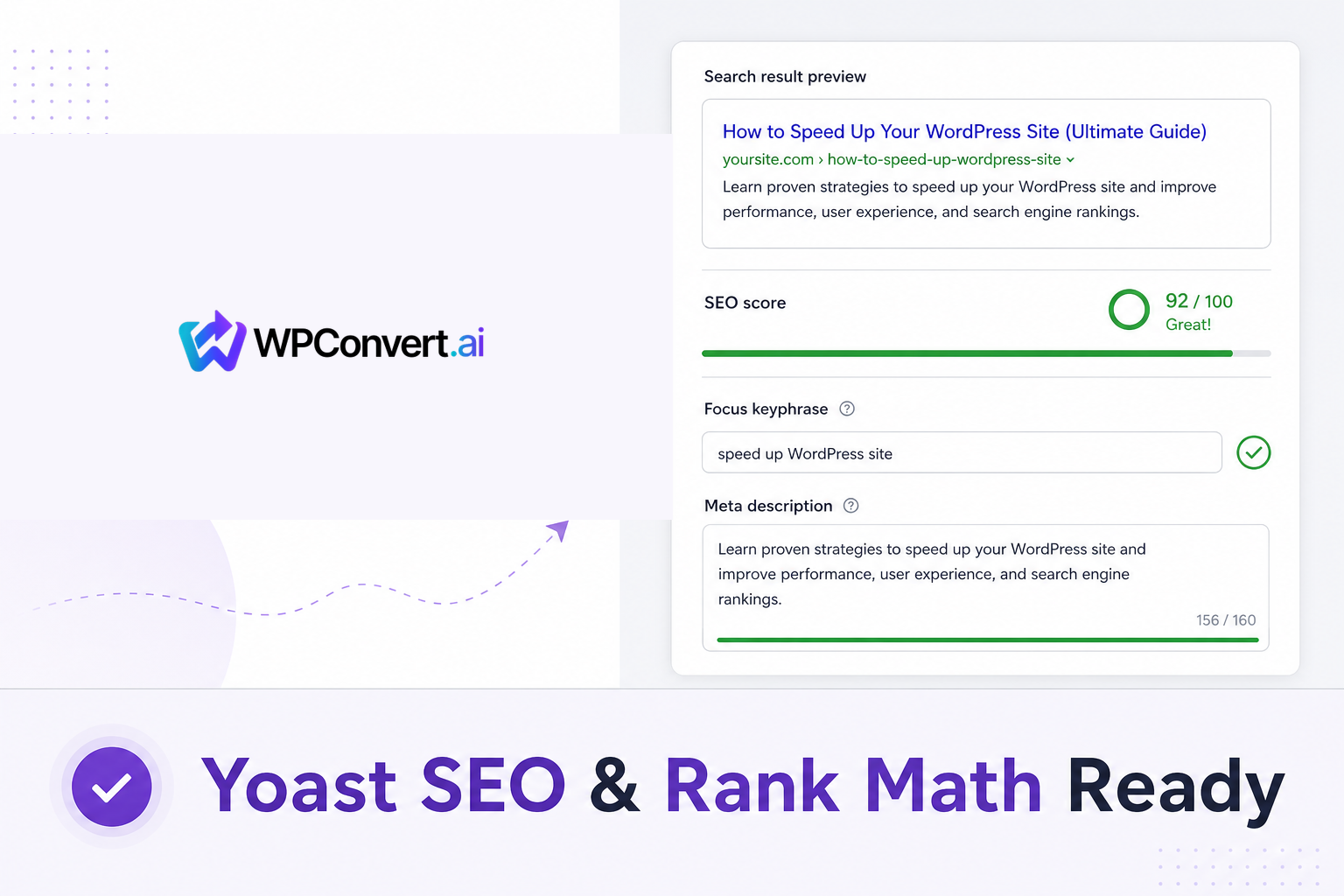
In June 2026 we shipped a feature every agency asked for: native Yoast SEO and Rank Math compatibility in every WPConvert theme, Starter plan included. If you converted before this release and still see empty focus keyphrases, re-convert to pick up seo-content.json and the plugin hooks.
The full setup workflow — install order, first-edit seeding, analyser behavior, and troubleshooting — is maintained here:
Yoast & Rank Math setup for converted themes →
This post is the launch note. Use the guide when you are configuring wp-admin today.
The problem we solved
Most AI-to-WordPress themes store almost nothing in post_content. The real HTML lives in PHP templates (front-page.php, page-*.php), not the WordPress editor body field. Yoast and Rank Math analyze post_content by default — so they think every page is a stub even when the front-end looks perfect.
Symptoms teams reported:
- Red SEO analysis — "Focus keyphrase not set"
- Grey or wrong readability scores
- Blank meta descriptions despite live copy on the site
- Word counts near zero in the Pages list
Generic advice to "mirror the_content()" or paste HTML into post bodies fights how WPConvert themes are structured and risks duplicate content. We took a cleaner path: capture semantic content at conversion time, emit front-end meta without a plugin, then hand analysers real text through official extension points.
What ships in every theme (no extra plugin zip)
During conversion, WPConvert reads each route's <title>, meta tags, headings, and visible copy into:
assets/data/seo.json— titles and descriptions from the sourceassets/data/seo-content.json— cleaned HTML for content analysers (chrome stripped)
The theme outputs page titles, meta descriptions, Open Graph tags, canonical URLs, and JSON-LD on the public site — before you install Yoast or Rank Math. When a SEO plugin activates, the theme's meta emitters stand down so you do not get duplicate tags.
When you install Yoast or Rank Math from Plugins → Add New and open each page under Pages → Edit once, the theme seeds SEO title, meta description, focus keyphrase, and Cornerstone/Pillar flags for the home page — only if those fields are still empty. Seeding runs on first editor visit, not at theme activation, which is why the Pages list may look red until you have opened each page.
Who this helps
- Agencies standardizing on Yoast or Rank Math for client deliverables
- Freelancers converting Lovable, Cursor, or Framer exports who do not want to hand-fix every metabox
- Site owners who rely on readability checks and focus keyphrase scoring in wp-admin
For broader launch SEO — redirects, sitemaps, and structured data strategy — pair this with SEO for converted themes. Start a fresh conversion on Convert or explore Builders when you are picking a source stack.
Quick start (pointer to the guide)
- Install and activate your WPConvert theme
- Install Yoast SEO or Rank Math — there is no separate WPConvert SEO plugin to upload
- Open each page in the editor once to trigger seeding
- Review snippets and run the in-editor analyser
Step-by-step screenshots, field mapping tables, and edge-case notes live in the canonical guide. Your theme ZIP also includes a README section and the dashboard Getting Started modal covers the same flow.
How this compares to typical imports
Typical HTML imports leave post_content empty, so Yoast and Rank Math show red scores and blank meta descriptions. WPConvert themes capture titles and descriptions at conversion, emit front-end meta and JSON-LD without a plugin, then feed analysers real text through official hooks (wpseo_pre_analysis_post_content, rank_math/researcher/post_content). When a SEO plugin activates, the theme stands down its own meta emitters to avoid duplicates.
Sitemaps, breadcrumbs, and advanced schema stay with the plugin — WPConvert makes Yoast and Rank Math usable on template-driven themes; it does not replace them.
FAQ
Do I need a separate WPConvert SEO plugin?
No. Compatibility is built into every converted theme. Install Yoast or Rank Math from the WordPress plugin directory only.
I converted before June 2026 — do I need to re-convert?
Yes, if your theme lacks seo-content.json and the plugin hooks. Re-convert your source site on WPConvert — existing themes cannot pick up this integration from a plugin update alone.
Will WPConvert overwrite my SEO edits?
No. Each field seeds only if empty. Once you set a title, description, or keyphrase in Yoast or Rank Math, the theme never overwrites it.