Convert Google AI Studio to WordPress — Companion Post
Google AI Studio marketing exports convert to WordPress themes. The maintained tutorial is on /convert/google-ai-studio-to-wordpress/ — this post covers context and expectations.
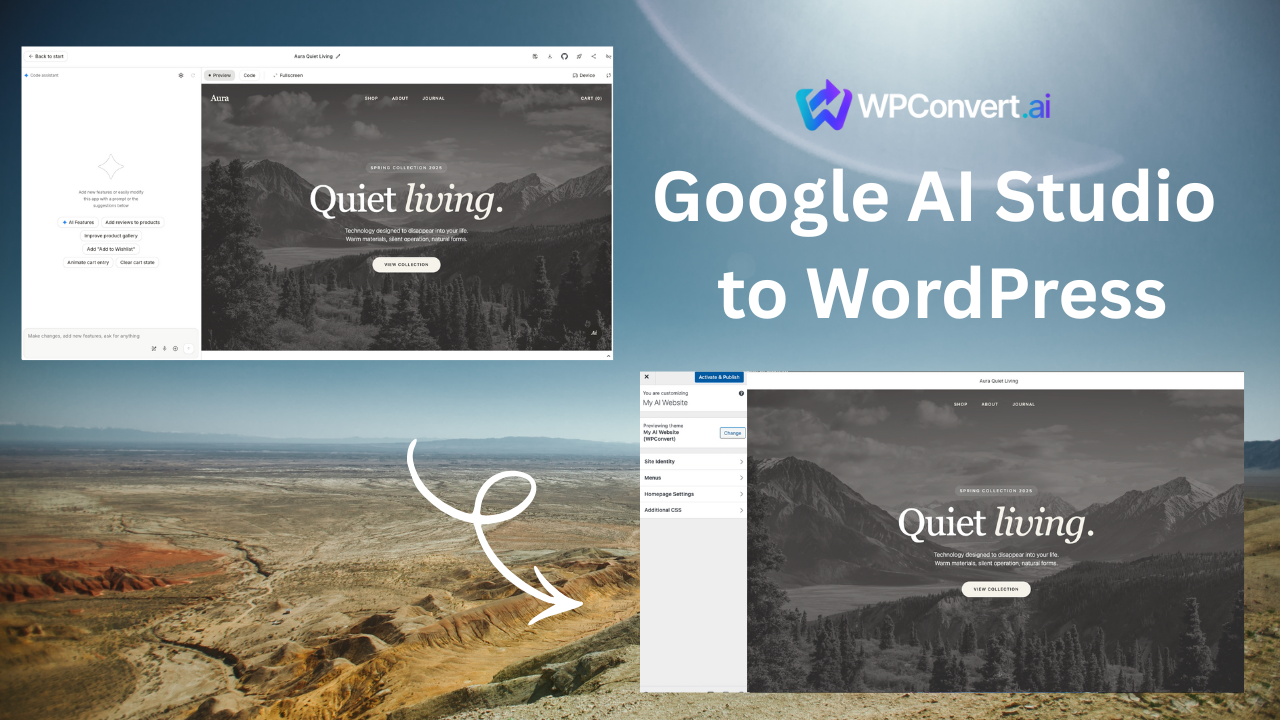
Google AI Studio can export marketing landings with feature grids, comparison tables, and dual CTAs — strong inputs for WPConvert.
Canonical workflow:
Convert Google AI Studio to WordPress →
Why convert AI Studio sites
Teams move to WordPress when they need plugin support, multi-editor workflows, or client-standard hosting — while keeping the AI-generated layout.
What typically converts well
- Feature comparison tables (accessible table markup)
- Dual CTA bands
- Code snippet styling blocks
- Responsive feature grids
Inline tab scripts and external font loaders often need consolidation during cleanup.
Google AI Studio landing template documents a representative conversion.
Workflow summary
- Export ZIP from Google AI Studio
- Upload to WPConvert (free preview)
- Review fidelity in the playground
- Download and install the WordPress theme
Full steps: canonical convert page.
Before upload
Optimize before conversion — especially third-party scripts and font links.
FAQ
Is this the same as Gemini-hosted sites?
This guide targets exportable static output compatible with WPConvert uploads.