Convert Static HTML to WordPress — Companion Post
Plain HTML/CSS/JS sites are the simplest WPConvert input. The full workflow now lives on /convert/html-to-wordpress/ — this post explains when HTML → WordPress is the right move.
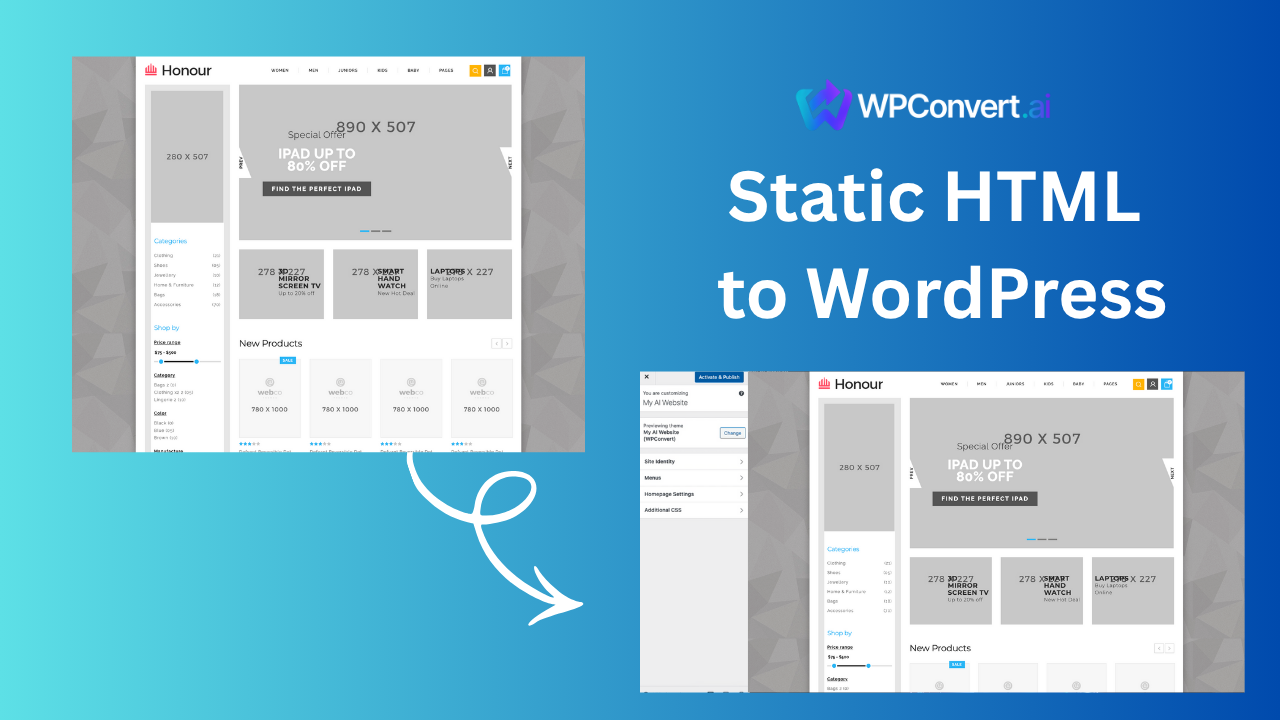
Static HTML is still one of the fastest paths to a WordPress theme — no framework decompilation, no SPA routing surprises.
Canonical guide:
When HTML → WordPress wins
- Legacy client sites that need a CMS without a redesign
- Agency handoffs where WordPress is the delivery standard
- Landing pages built by contractors as flat files
- AI-generated HTML exports that you want editable in WordPress
What to expect
HTML conversions often achieve very high layout fidelity because the DOM maps directly to WordPress templates. Common follow-ups:
- jQuery sliders → CSS-only or block-editor-friendly patterns
- Contact forms → WPConvert Forms or CF7 hookup
- Map iframes → sandbox and lazy-load attributes
HTML business landing template shows a representative before/after.
Quick summary (not a substitute for the canonical page)
- ZIP your site folder (index, assets, CSS, JS)
- Upload to WPConvert
- Preview pages in the playground
- Install the generated theme
Step-by-step detail, file structure notes, and FAQ: Convert HTML to WordPress.
Pre-upload
Optimize before conversion — fix broken relative paths and strip analytics keys you do not want in the theme bundle.
FAQ
Do I need PHP experience?
No — you receive a standard theme ZIP.
Multiple HTML pages?
Yes — each page can map to a WordPress template or page.