Introducing WPConvert WooCommerce Import
AI shop grids no longer freeze as static HTML after conversion. We detect product catalogs on Pro plans and import them to WooCommerce in one click — full workflow in our Guides hub.
Turn AI-generated product catalogs into real WooCommerce products — without rebuilding your shop design.
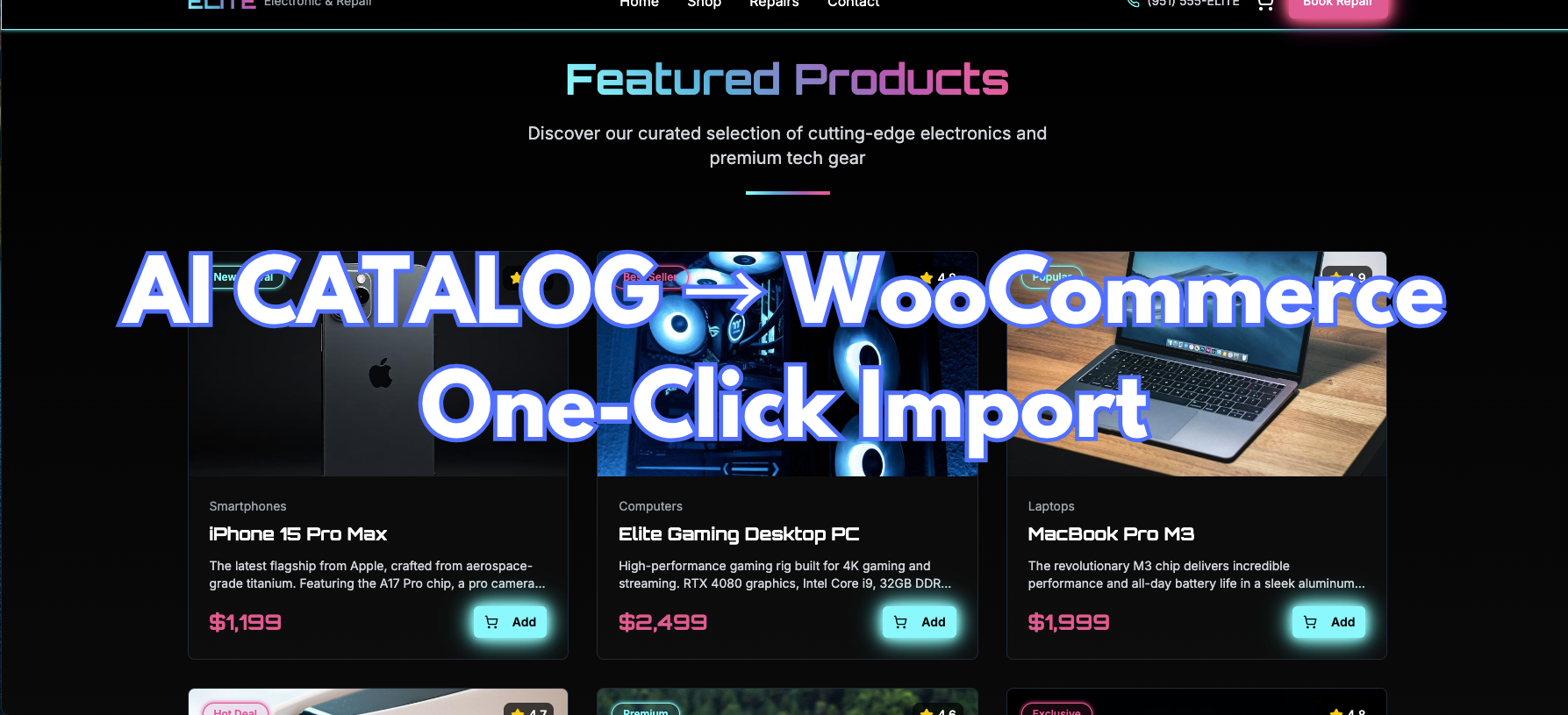
In June 2026 we shipped WooCommerce Import for Pro, Agency, and PAYG conversions. AI builders design beautiful shop grids, but after a typical conversion every price, badge, and "Add to cart" button is frozen in PHP templates. Updating inventory meant editing theme files or manually recreating products in wp-admin.
That changes with WPConvert. We detect product-shaped arrays during conversion, bundle the import path in your theme download, and let you promote static grids to live WooCommerce data while preserving your card layout.
The maintained install-and-import workflow is here:
Use that page for plugin install order, preview confirmation, cart/checkout wiring, and WP-CLI. This post is the product announcement.
Why static shops break after conversion
Most AI storefronts define products in front-end data — products.ts, JSX constants, featured-product exports. When that site becomes a WordPress theme, the arrays harden into static HTML. There is no Products menu, no sale-price meta, and no checkout pipeline until WooCommerce is configured.
WPConvert closes the gap in two phases:
- At conversion (Pro+) — scan source files, classify catalogs with
intent: woocommerce-product, stamp DOM markers on shop grids, write a manifest toassets/data/cpt-candidates.json - At install — one-click import via the bundled WPConvert CPT Plugin creates real
WC_Product_Simpleentries with titles, descriptions, prices, categories, and images
Your product cards keep their CSS and responsive breakpoints. A loop swap replaces only the data source after import completes. Static markup stays visible until the first successful import — installing WooCommerce alone does not blank your shop.
What you get on day one
On eligible plans, the theme download includes plugins/wpconvert-cpt.zip. After you activate WooCommerce, an admin notice offers Import … products to WooCommerce with a preview of counts, sample SKUs, and categories before anything is written. Large catalogs import in chunked AJAX batches; re-runs skip already-imported items via stable external keys.
After import:
- Header cart icons and Add to cart buttons wire to WooCommerce
- Connect cart & checkout pages maps your converted cart and checkout designs to live WooCommerce routes (reversible; originals are backed up)
- Payment gateways configure under WooCommerce → Settings → Payments
- HPOS compatibility is declared out of the box
Product catalogs are never offered as Custom Post Types — they follow the dedicated WooCommerce path so you get standard Products admin and checkout integration.
Who should use this
- E-commerce brands moving Lovable or Framer storefronts to WordPress
- Agencies delivering AI-designed shops that clients must manage ongoing
- Founders who want WooCommerce without redesigning product cards in Elementor
See Lovable + WooCommerce for a commercial use-case overview, or start a Pro conversion on Convert. Starter plans capture shop sections as static templates — upgrade when you need live product import.
Pair commerce launch with Host WordPress after conversion and Yoast & Rank Math setup for a complete go-live stack.
Manual recreation vs one-click import
Manual WooCommerce setup means retyping every SKU, rebuilding card layouts, and wiring add-to-cart by hand. WPConvert import detects catalogs in source, preserves card CSS via loop swap, imports prices and images in chunked batches, and supports idempotent re-import with stable keys. CI teams can mirror the admin flow with wp wpconvert-wc import.
FAQ
Is WooCommerce import available on Starter?
No. Detection and import are Pro, Agency, and PAYG features. Starter conversions preserve shop layout as static PHP; upgrade when you need a live catalog.
Will installing WooCommerce break my shop layout?
No. Static shop markup remains until the first successful import. The loop swap replaces data inside your stamped card template after products exist in WooCommerce.
Where is the full step-by-step?
On WooCommerce import guide — plugin install order, preview, import, cart/checkout connection, and wp wpconvert-wc CLI commands.