How to Host an AI-Built Website on WordPress — Guide Moved to /guides/
We originally published this as a full hosting tutorial. The maintained go-live workflow now lives in our Guides hub — this post explains what changed and where to start.
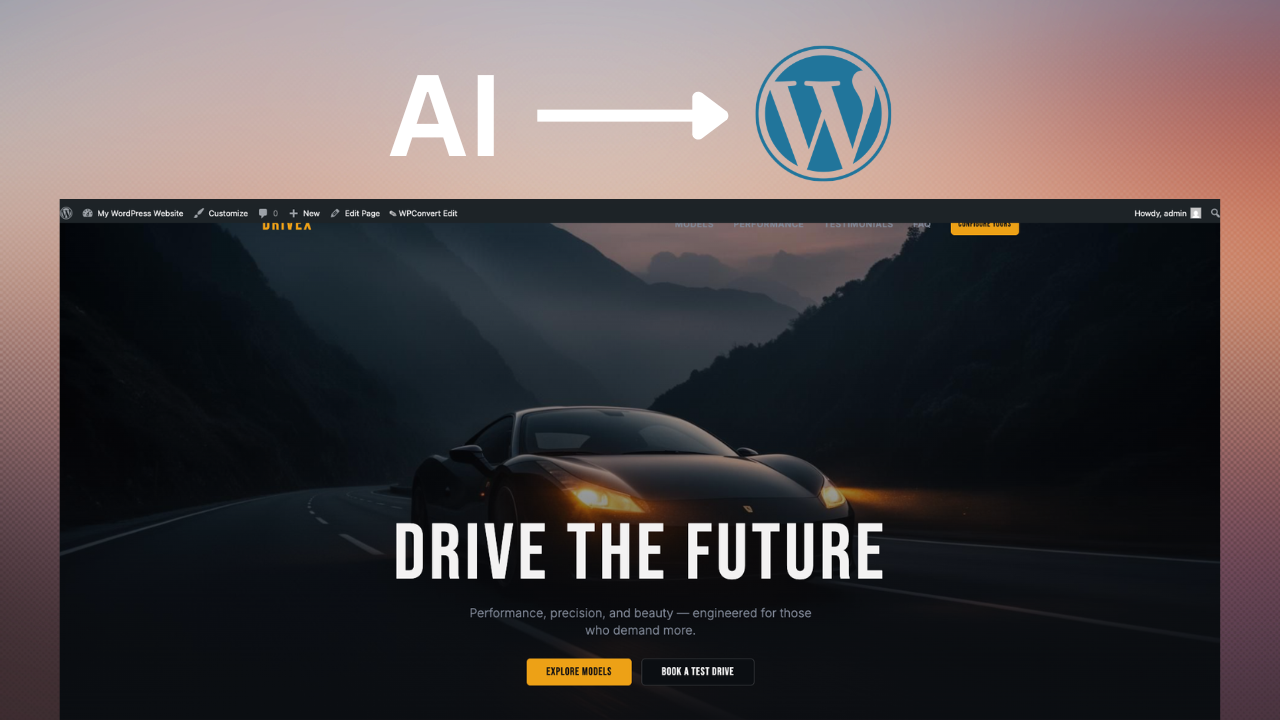
When we first published this article in early 2026, a long step-by-step hosting walkthrough was the right format — teams converting from Lovable, Framer, Cursor, or static HTML needed one place to read about hosting providers, theme upload, DNS, and SSL.
That workflow has moved. The maintained, evergreen guide is now:
Host WordPress after conversion →
Use that page for hosting selection, WordPress install, theme activation, staging, SSL, and the post-launch checklist. This post stays online for search history and editorial context.
Why hosting still matters after conversion
AI builders excel at design speed. WordPress excels at production: plugins, SEO tooling, client handoff, and infrastructure you own. A Lovable or Framer prototype can look production-ready on a builder subdomain, but that is not the same as a site your client can edit and extend for years.
The modern pipeline looks familiar to agencies:
- Design in Lovable, Framer, Cursor, or similar
- Convert with WPConvert into an installable theme ZIP
- Host on WordPress with DNS, SSL, and plugin stack
- Scale with WooCommerce, forms, and SEO plugins
If you have not converted yet, start on Convert or the builder-specific route for your stack — for example Convert Lovable to WordPress, Convert Framer to WordPress, or Migrate from Lovable when you are replacing an existing live site rather than launching net-new.
Hosting is the step where preview becomes production. That is why we moved the long tutorial into a guide we can revise without rewriting blog posts.
What the canonical guide covers (and what we trimmed here)
The hosting guide walks through the full go-live path: choosing between managed and self-hosted providers, one-click WordPress install, uploading your WPConvert theme under Appearance → Themes, configuring recommended plugins, testing forms, and connecting your domain with HTTPS.
We deliberately moved the detailed steps out of the blog so one URL stays current as hosts change pricing, PHP requirements evolve, and we add staging and monitoring notes. You will not find a duplicated seven-step checklist in this post — that is by design.
What teams still ask us in support channels:
- "Can I upload raw HTML?" No — WordPress needs a real theme structure. WPConvert generates that from your export.
- "Will my forms work?" Frontend-only forms from AI builders need WordPress-native handling. Plan form plugin setup during launch week.
- "Managed or VPS?" Most founders and agencies should start managed; the guide explains when VPS makes sense.
Before you host, run Optimize before conversion so navigation, images, and DOM structure survive the export cleanly.
Hosting decisions in brief
You do not need exotic infrastructure for a converted marketing site. Prioritize PHP 8+, SSD storage, easy theme upload, and solid caching. Managed WordPress hosts simplify SSL, staging, and backups — valuable when you are launching a client site on a deadline.
Hostinger, SiteGround, Bluehost, and WP Engine remain common starting points depending on budget and support expectations. The canonical guide names tradeoffs without locking you into one vendor.
After theme activation, budget time for a staging pass: top URLs, mobile layout, contact forms, and analytics. Enable noindex on staging, get sign-off, then cut over DNS. The guide covers SSL mixed-content fixes and a 14-day post-launch monitoring list.
For commerce launches, hosting comes first; WooCommerce import follows — see WooCommerce import guide and Lovable + WooCommerce use case when your AI shop needs a real product backend.
What we learned from support tickets
Three themes repeat when teams host their first converted theme:
Uploading the wrong artifact. WordPress expects a theme ZIP with style.css and template files — not a folder of static HTML. WPConvert generates the correct package; the guide shows exactly where to upload it.
Skipping plugin planning. SEO (Yoast or Rank Math), caching, security, and SMTP for form email are not optional on client sites. See Yoast & Rank Math setup for wp-admin SEO quirks unique to converted themes.
Cutting over DNS too early. Keep the builder subdomain live until staging sign-off. The hosting guide covers staging-first cutover.
Related resources
- Host WordPress after conversion — full maintained workflow
- SEO for converted themes — meta tags, redirects, and launch SEO
- Convert hub — builder-specific conversion pages
- Migrate hub — replacing an existing site with a converted theme
FAQ
Where is the full hosting tutorial?
On Host WordPress after conversion. We update that guide as product and hosting best practices change.
Do I need WooCommerce before I go live?
Only if you sell products. Convert and host the theme first; add WooCommerce and product import when you are ready to sell.
What if I am migrating from a live AI builder URL?
Use Migrate for platform-specific cutover notes, then follow the hosting guide for DNS and SSL on the WordPress side.